Jump to content

A8 America City Living V3.0 by Angainor88  3.0

   (0 Reviews)

18 Screenshots

About This File

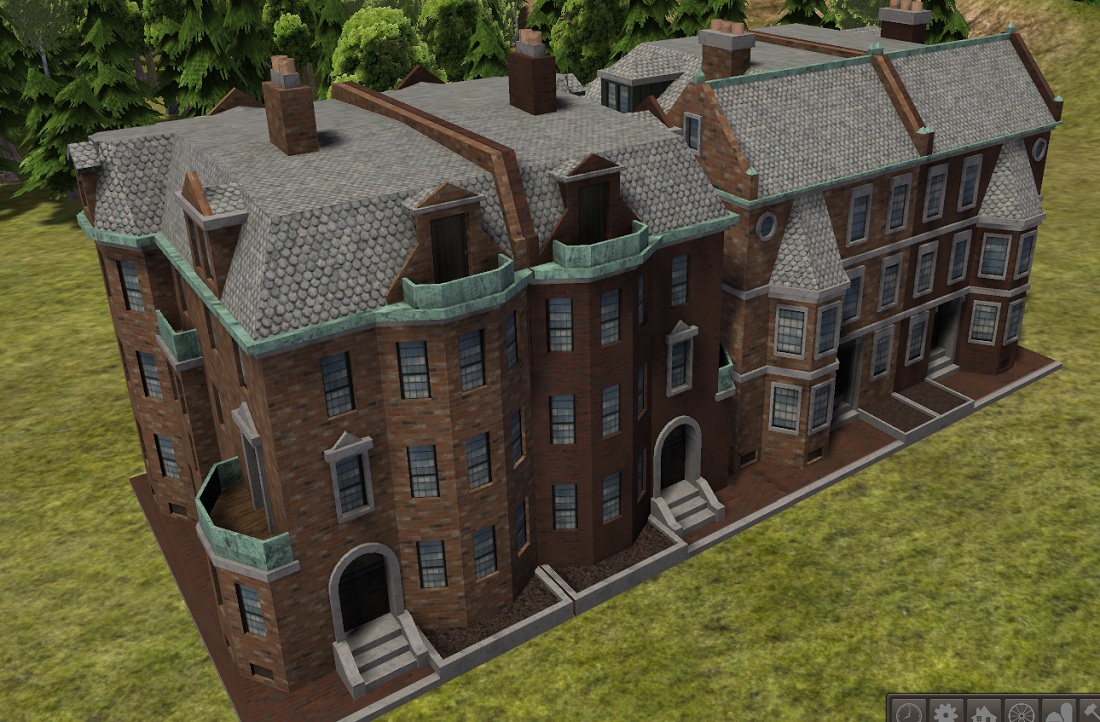
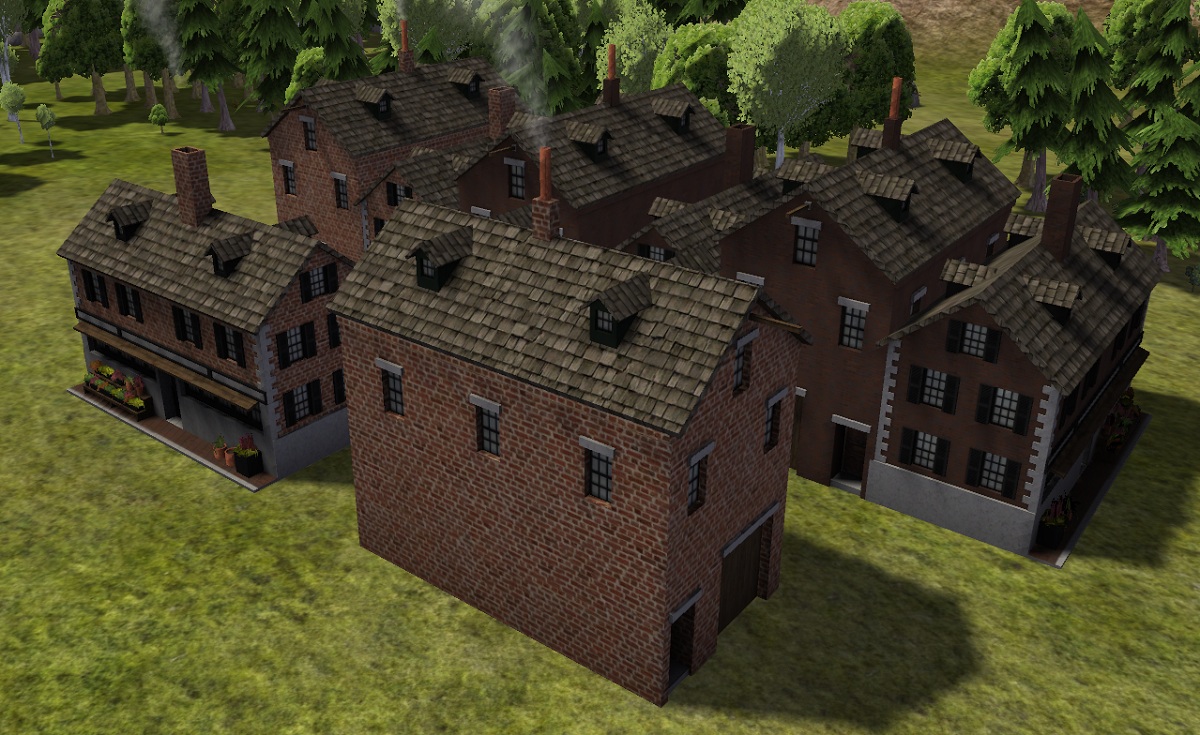
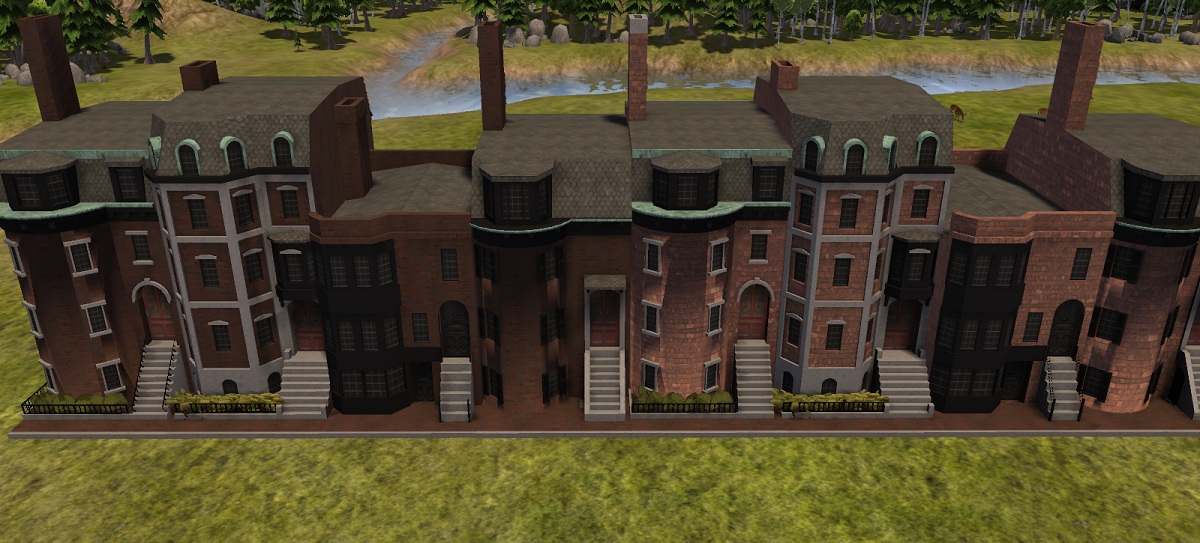
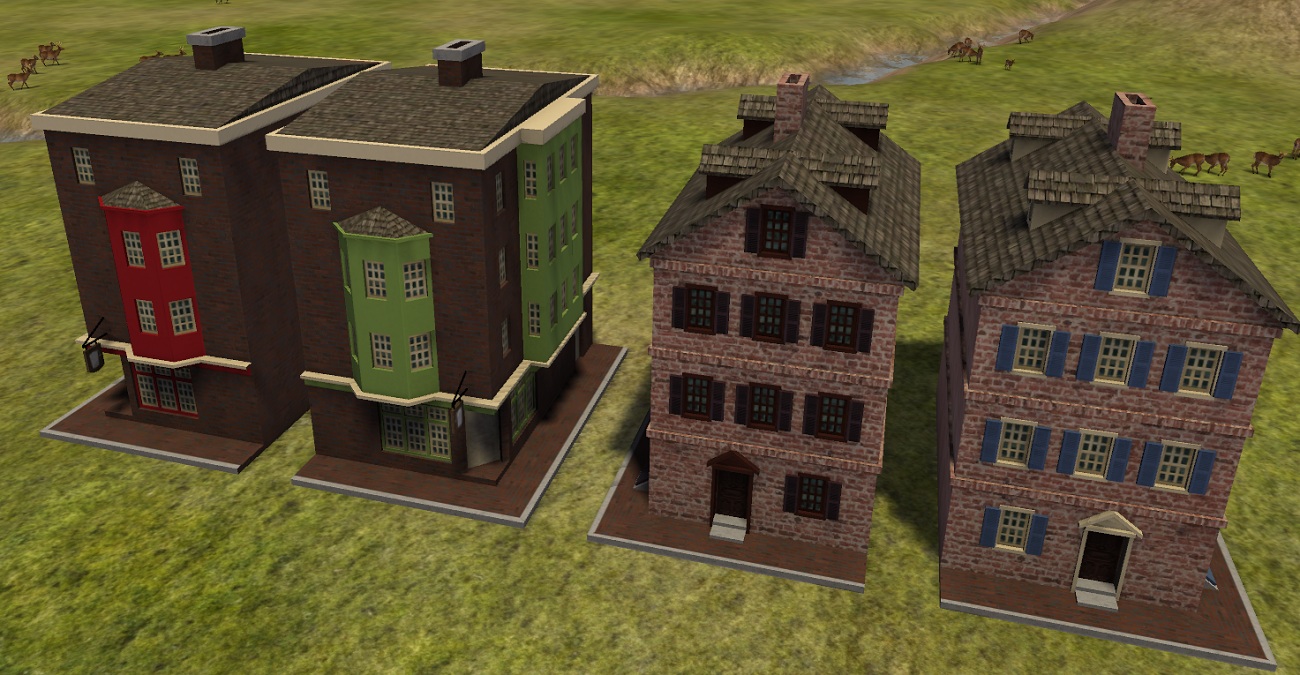
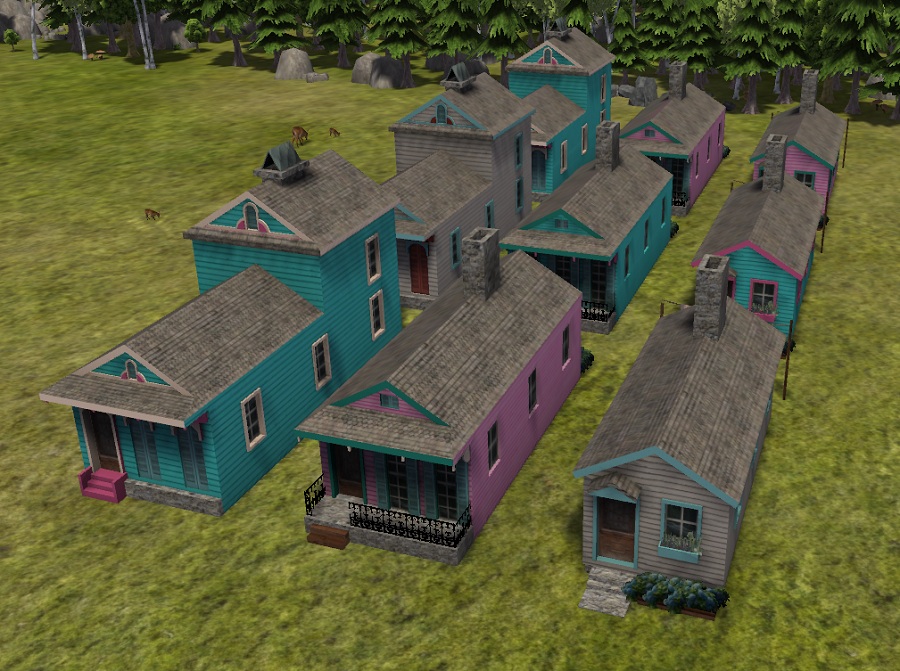
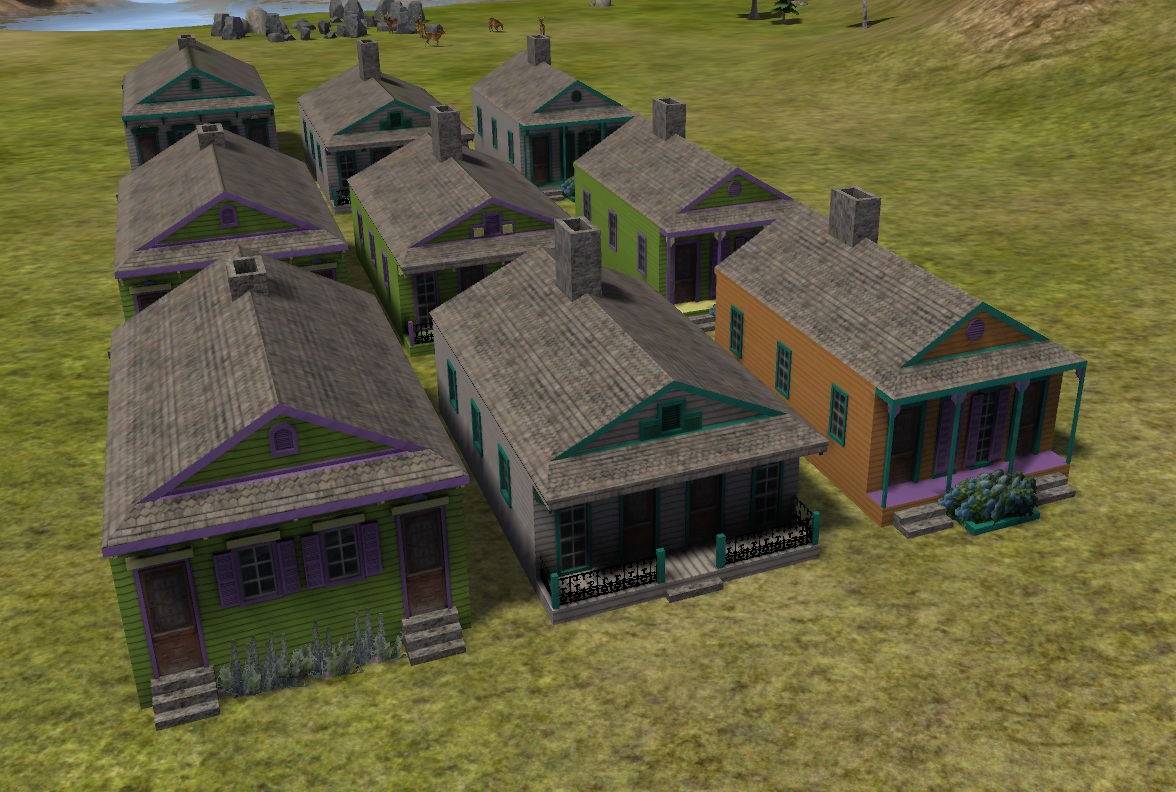
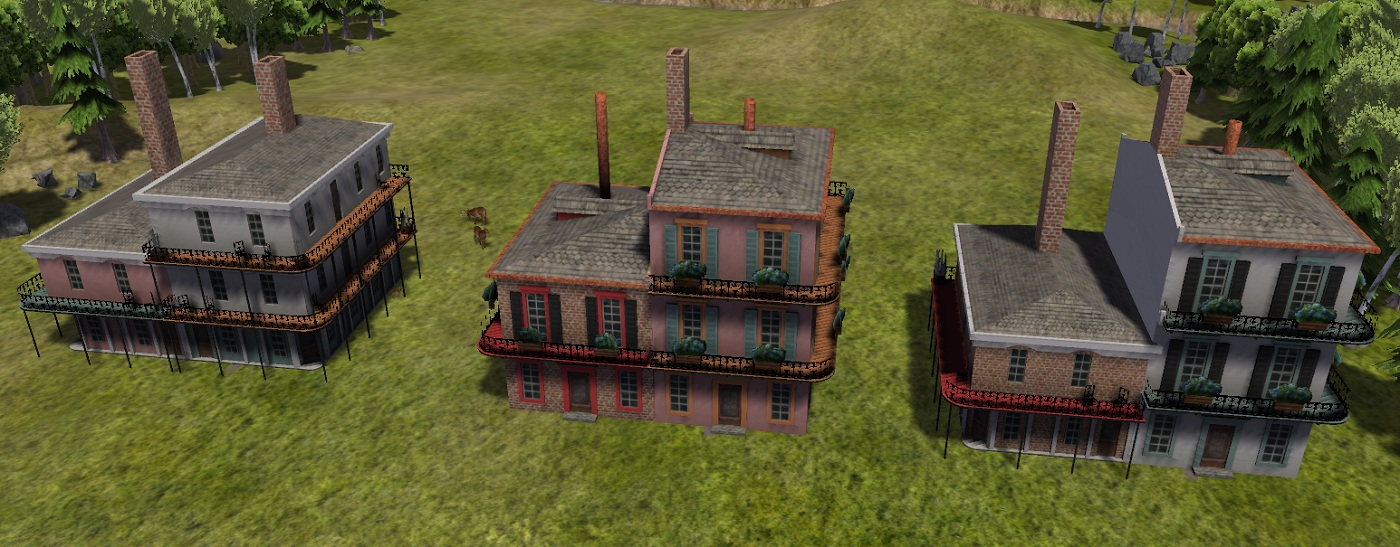
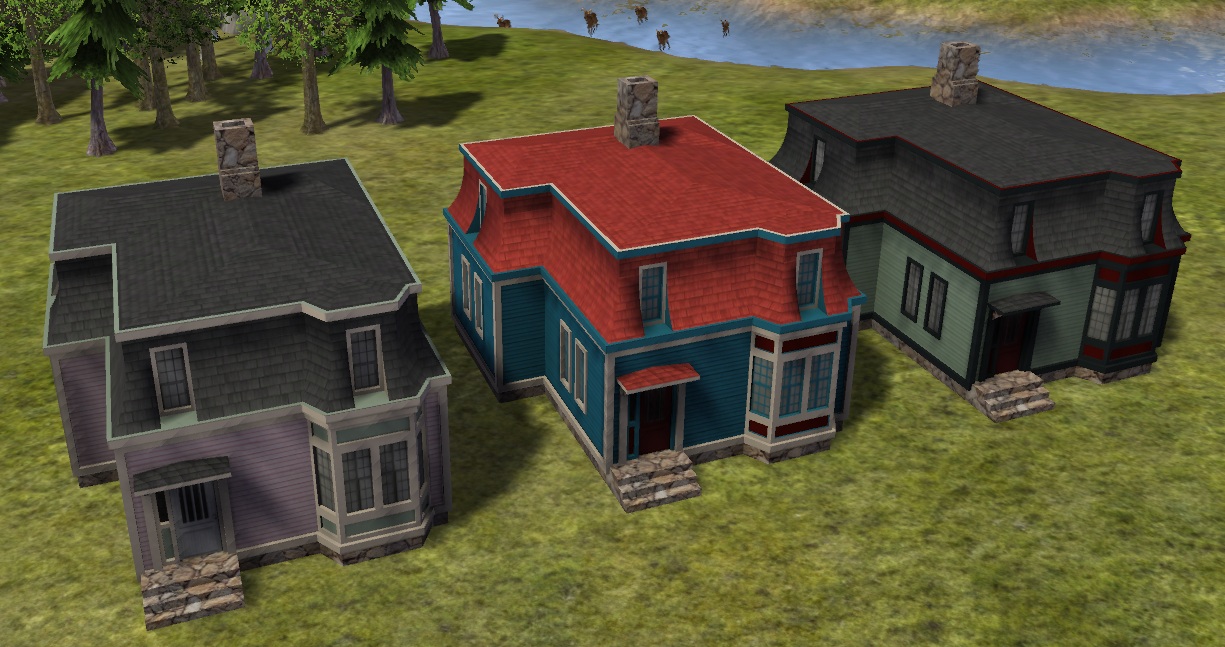
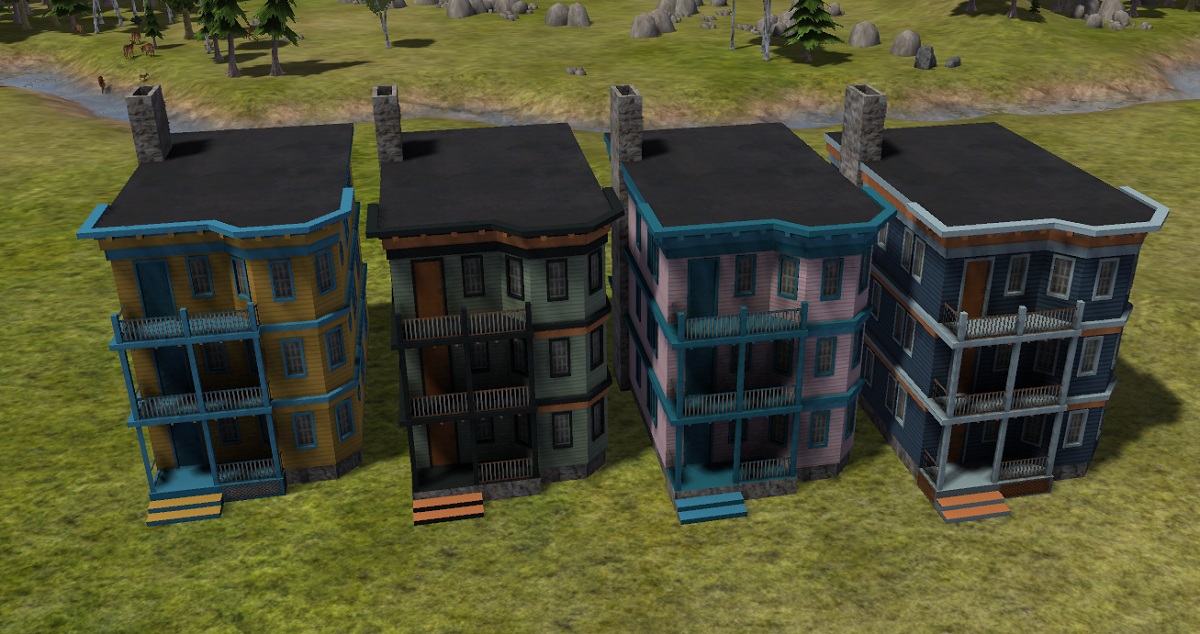
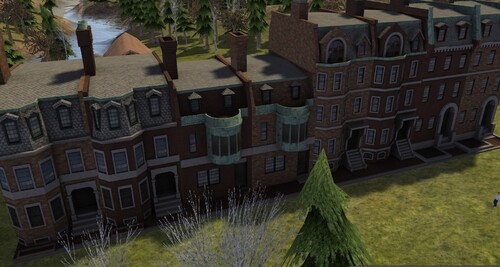
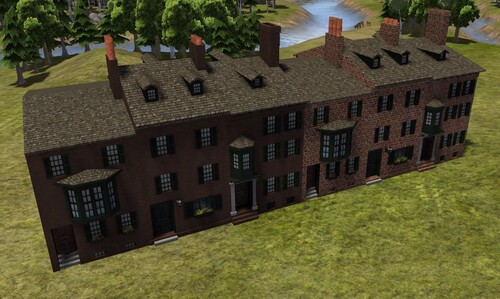
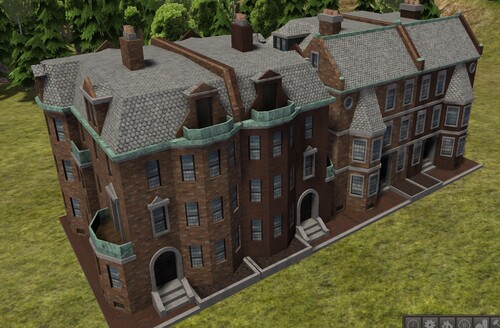
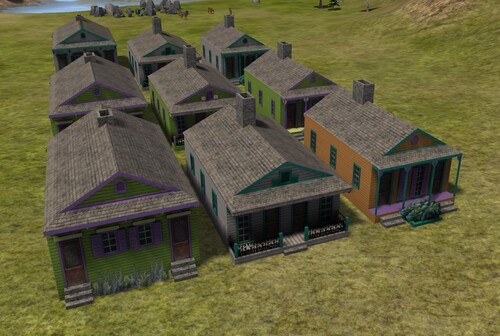
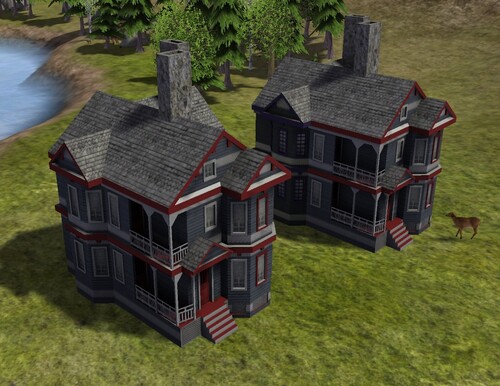
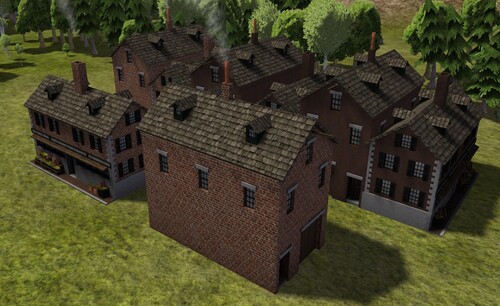
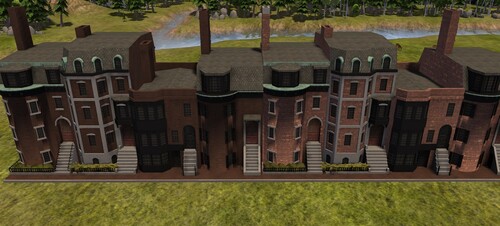
This mod includes 14 new houses, all with F variants, plus extensions, in the style of city buildings from late 1700s to mid 1800s United States.

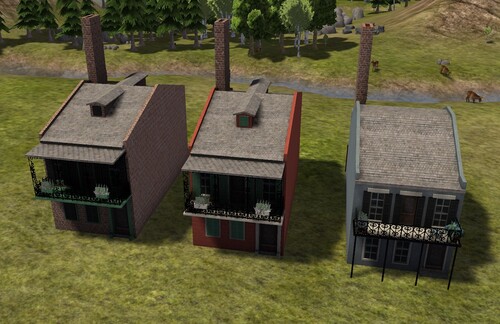
Commonwealth House and the Commonwealth Corner House
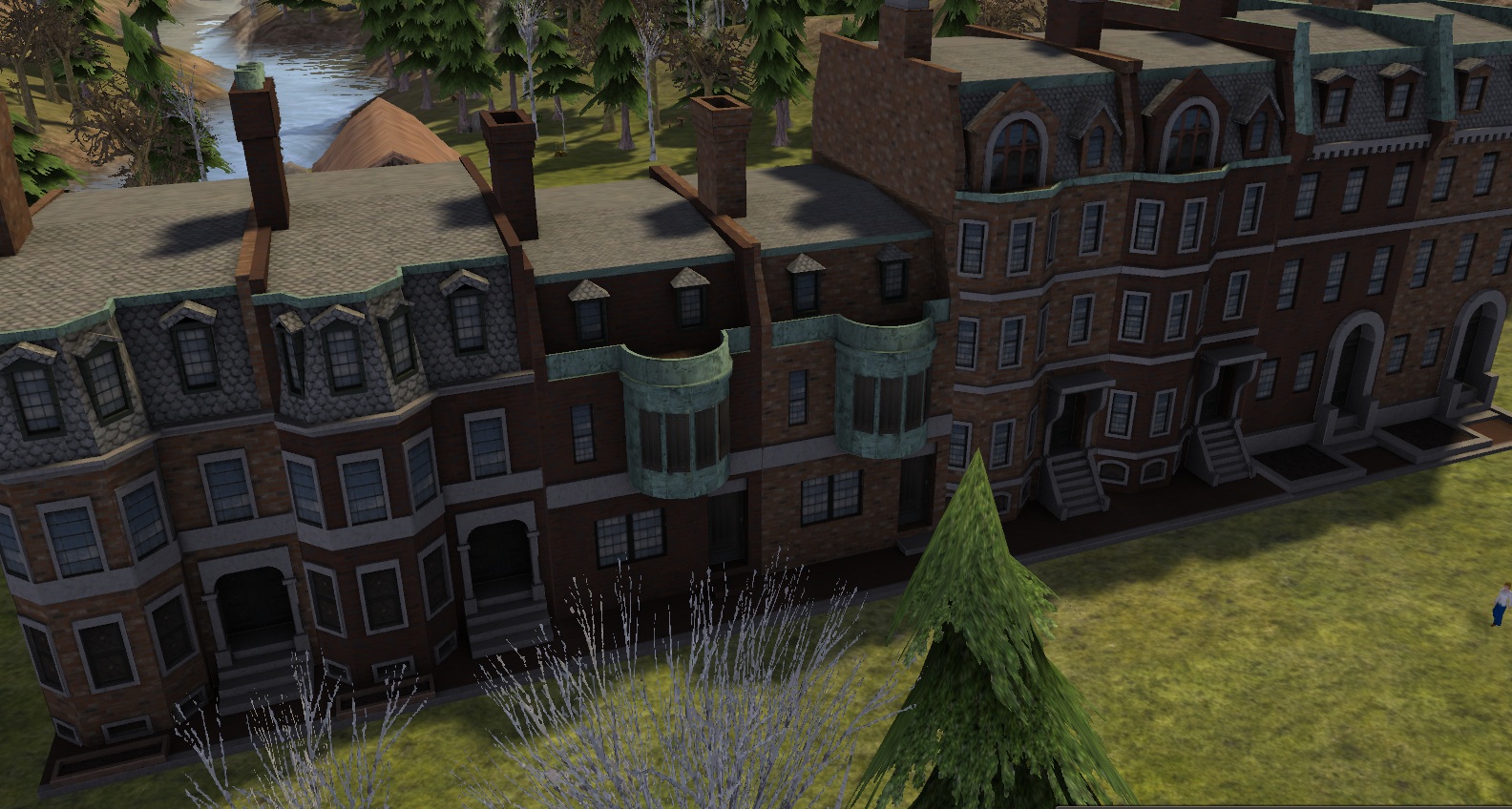
8302_03_02_22_9_07_49.jpg
8302_16_02_22_4_01_38.jpg

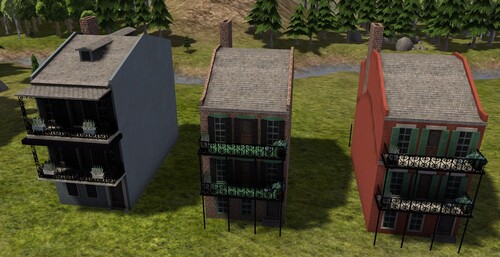
Brimmer House and Brimmer Corner House
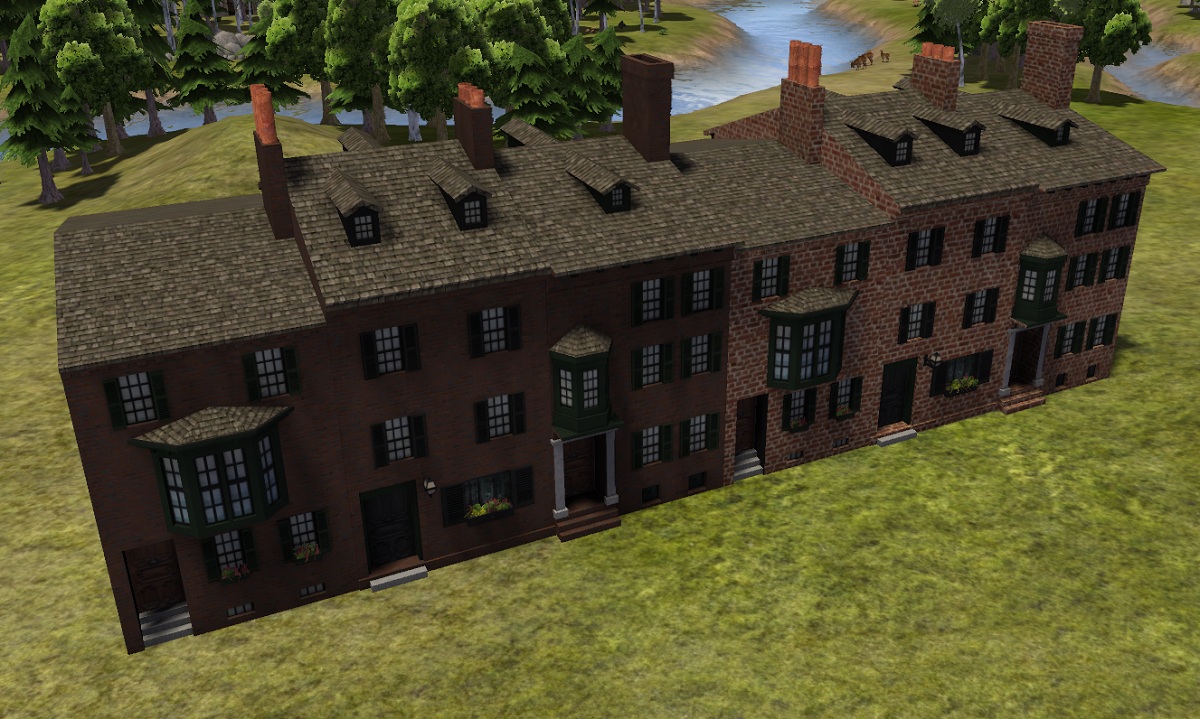
8302_13_03_22_10_17_18.jpg
8302_27_03_22_6_00_26.jpg

Tremont House

8302_27_04_22_2_27_13.jpg
 

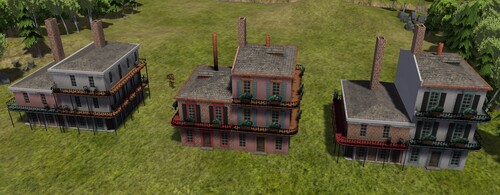
Elfreth House and the Elfreth Corner House
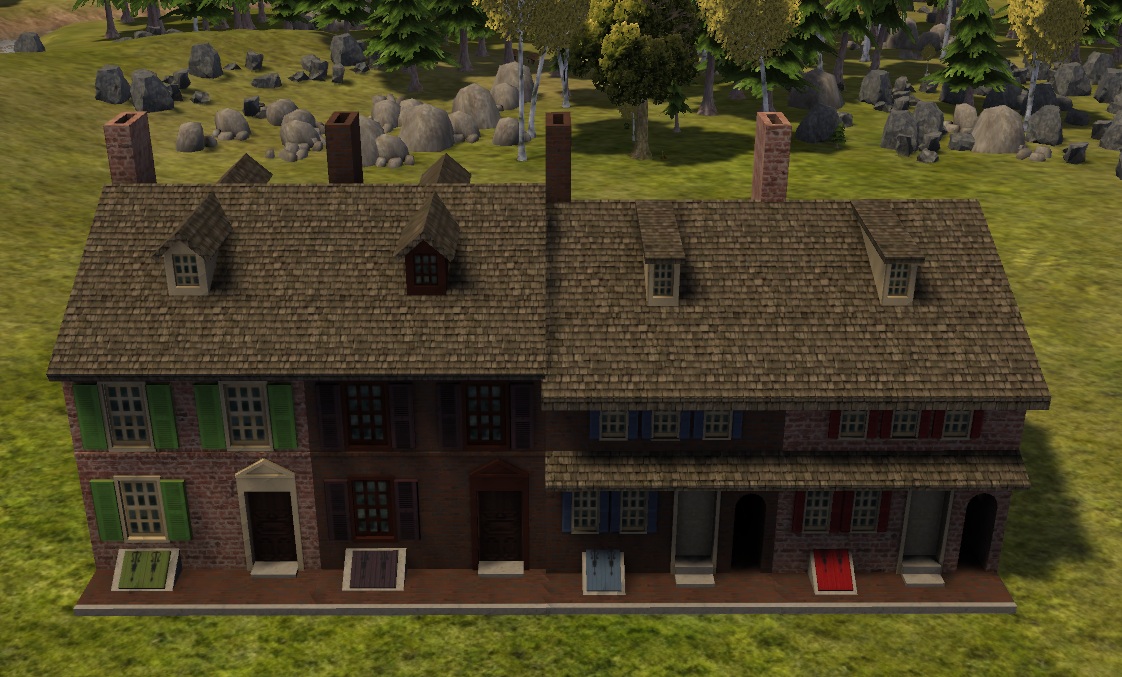
8302_17_05_22_6_39_51.jpg8302_06_06_22_6_04_40.jpg

Ursulines House and Dupre House

8302_30_06_22_6_19_48.jpg
8302_16_07_22_5_47_46.jpg

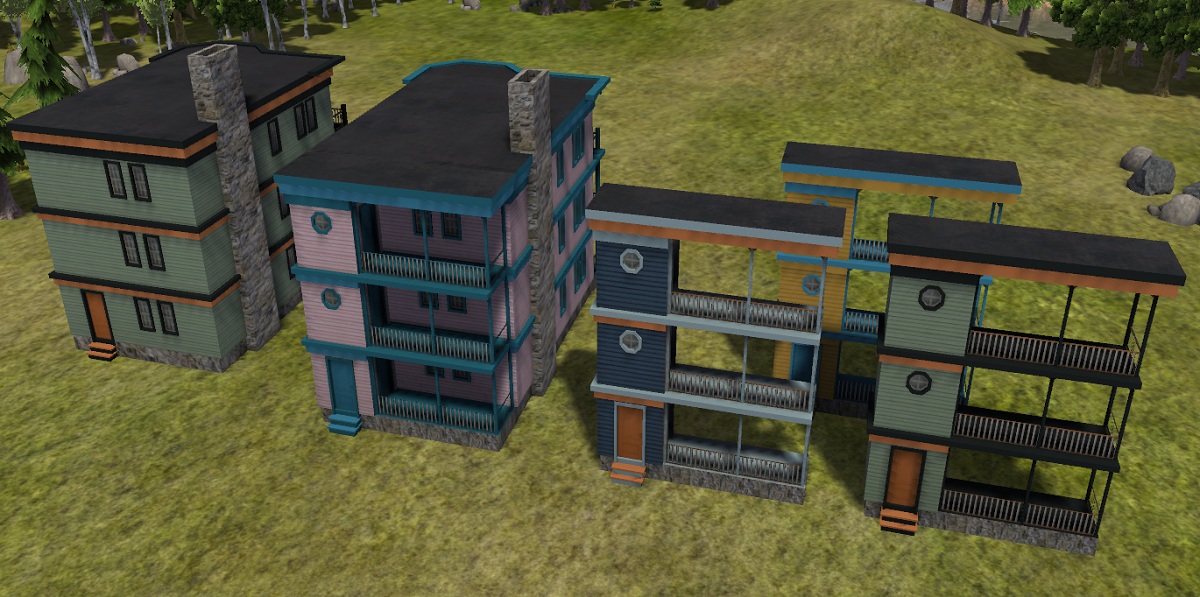
Dauphine House with and without a third story addition
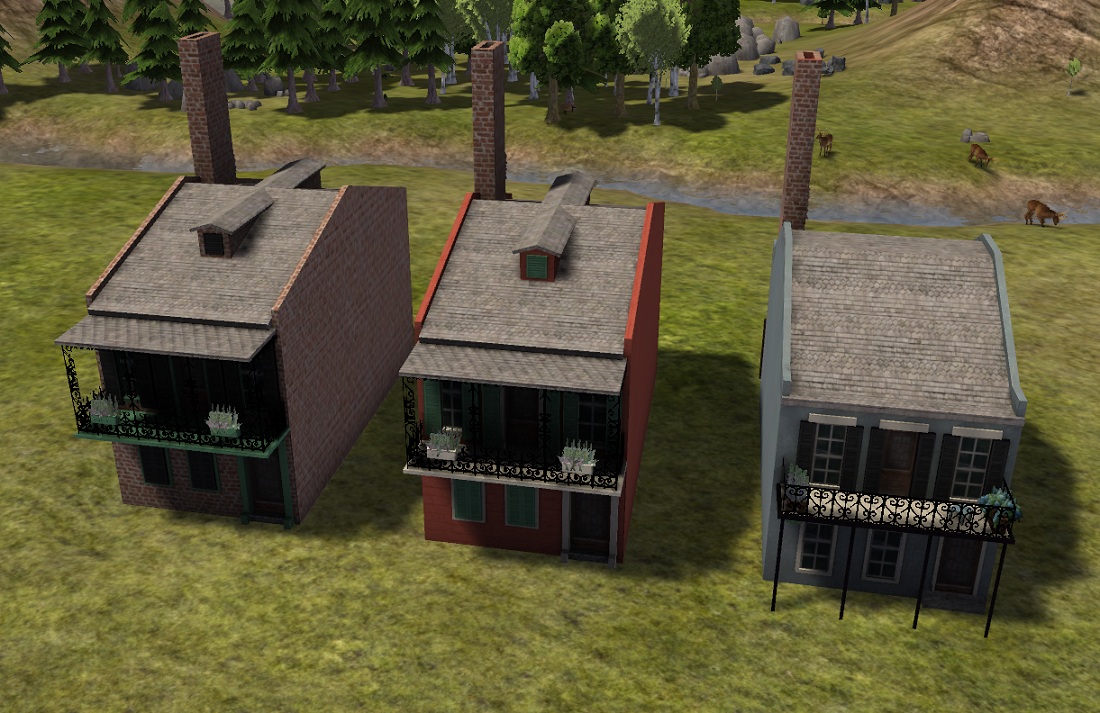
8302_16_09_22_6_25_25.jpg8302_16_09_22_6_25_50.jpg

Dumaine House with and without a third story addition
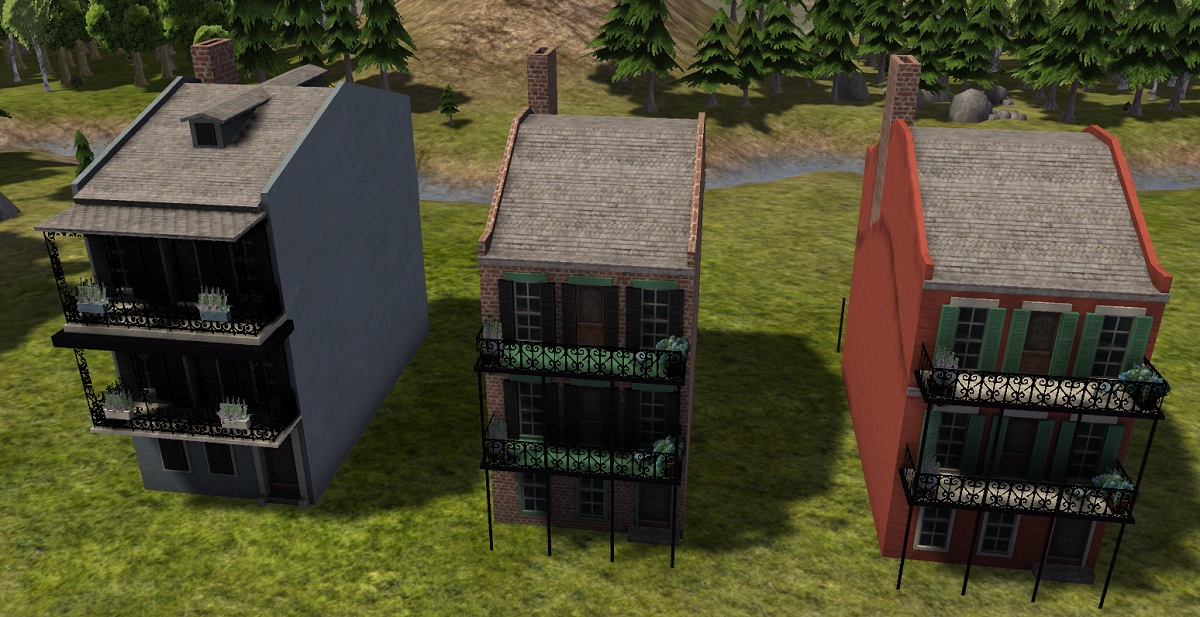
8302_18_10_22_5_49_41.jpg

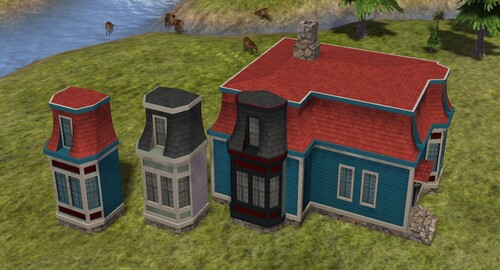
Amory House with and without a rear addition
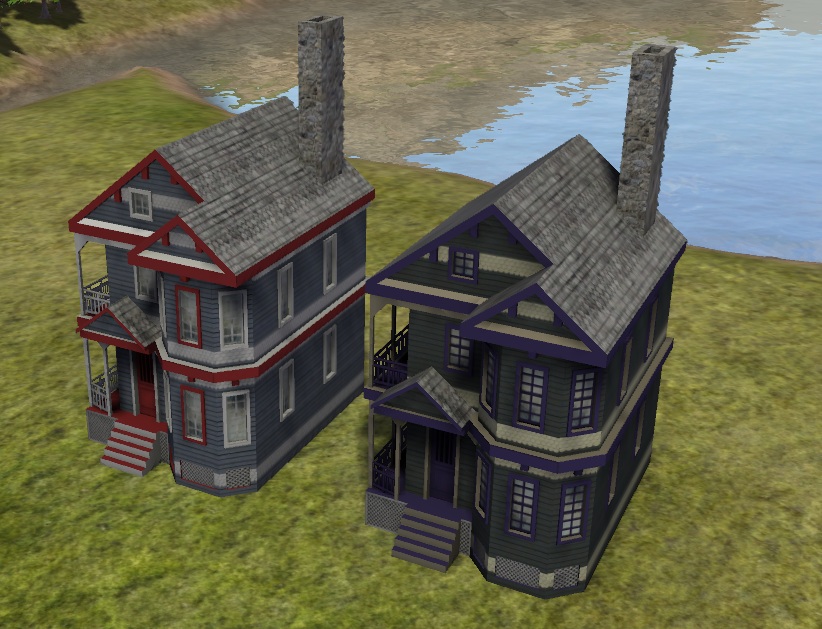
8302_22_03_24_6_14_58.jpg
8302_22_03_24_6_15_47.jpg

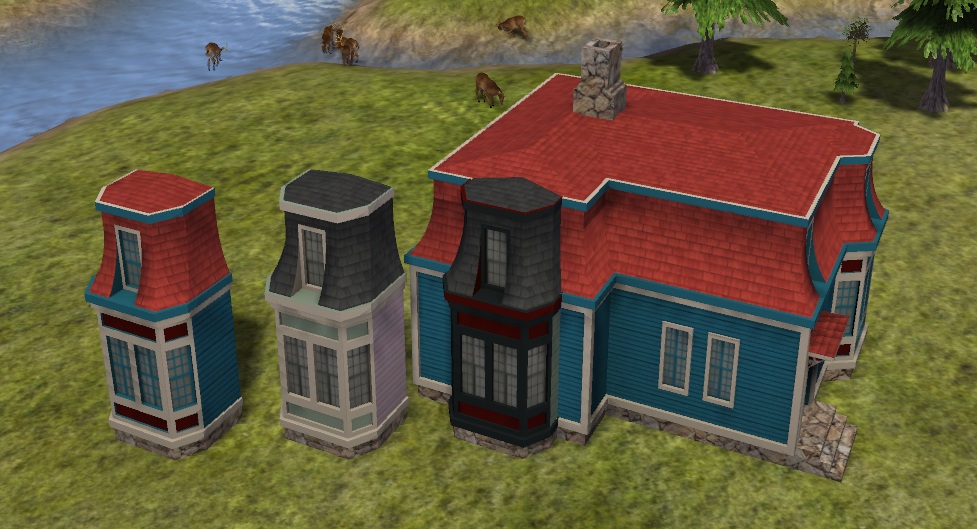
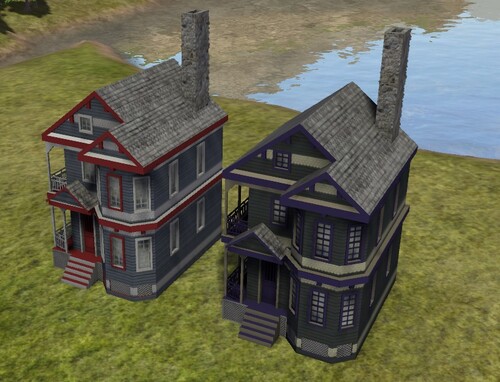
Egleston House and its bay window addition

8302_22_03_24_6_16_19.jpg
8302_22_03_24_6_16_51.jpg

Jamaica House with and without a rear addition
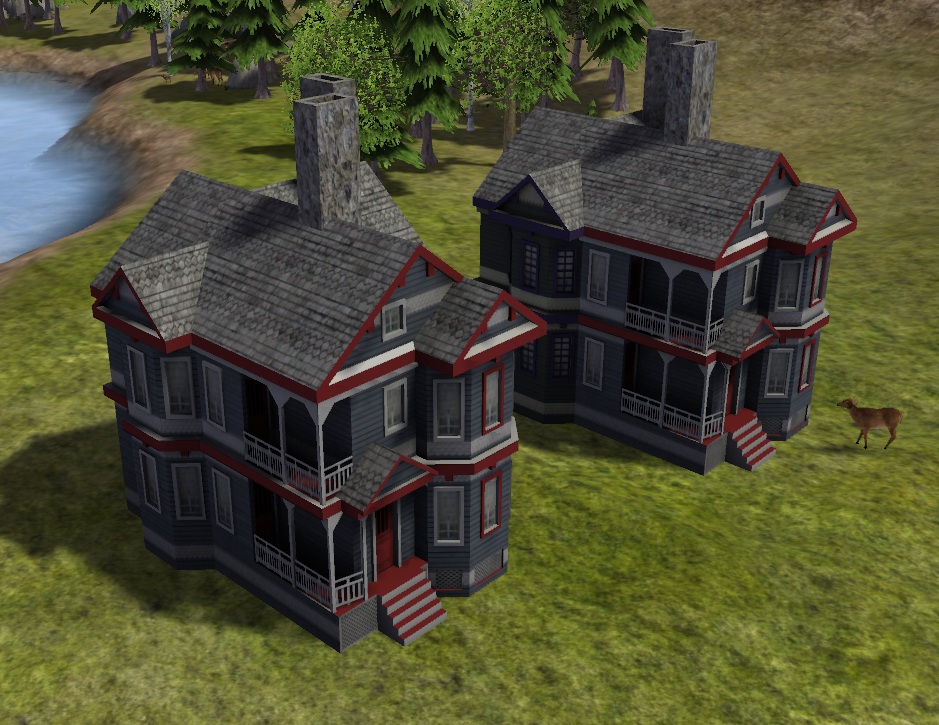
8302_01_06_24_11_41_33.jpg
8302_01_06_24_11_42_00.jpg


What's New 3.0   View Changelog


Released

Description: Update 8/19/24 - V3.0

The full release:

1. Added 7 new houses, all with F variants, plus their extensions.
2. Removed sidewalks from houses that had them before.
3. Added ghosted sidewalks for more versatility.
4. Fixed some graphical errors for older houses.
5. Added some deco small planters with plants.
6. Adjusted the building costs and building occupancy for better balance.
7. Added remove buttons for upper story buildings so they could be deconstructed.

This mod includes 14 new houses, all with F variants, plus extensions, in the style of city buildings from late 1700s to mid 1800s United States.


Restored 18.06.2026 by Simtropolis Recovery Team

  • Like 1
  • Thanks 3


User Feedback

Recommended Comments

Hello. I really liked your post, but when adding a second floor to a building, I can no longer delete it. The erase tool only demolishes the ground floor, leaving the upper floor floating. Can you help me solve this problem?

Share this comment


Link to comment
Share on other sites

Sorry my banished game is playing up ... check to see if you have a a single grey tile or something similiar under the 2nd story, click on it and that should bring up a delete box

Share this comment


Link to comment
Share on other sites

I try with all the tools and it still stays green. What's more, I can stack the floors as if it didn't detect the construction.

Share this comment


Link to comment
Share on other sites

My gog version of banished is still playing up, I'll try re-installing the game tomorrow and see if that helps ... I'll ping @angainor88 as well, hopefully we can work out what the problem is *:yes:

Share this comment


Link to comment
Share on other sites

sorry for not responding. The error occurred in both upper structures. Anyway, thanks for being here to help.

For my part, I have a building mod project, but I have never made one before and I don't know how to transfer my models to the game. Could you help me or transfer them for me? If you could help me, I would love to publish this as a collaborative mod. Thank you!!

Share this comment


Link to comment
Share on other sites
1 hour ago, Caballo-Manco said:

For my part, I have a building mod project, but I have never made one before and I don't know how to transfer my models to the game. Could you help me or transfer them for me? If you could help me, I would love to publish this as a collaborative mod. Thank you!!

If you take a look at the banished club, @kid1293 has added a number of examples mods that people are free to download so they can get an idea of what's involved with adding mods to the game, there are also a number of articles in the omnibus on how to do this, one is quite current and the other was written a few years back, but the older one does cover everything from creating the model to all the steps needed to be taken to adding the model to the game ... we have also found and attached the examples used within the articles *:yes:

  • Thanks 1

Share this comment


Link to comment
Share on other sites

Yeah, there are a lot of tutorials on mod making here and at worldofbanished.

As for your models, what form are they in? IE what file type etc?

Share this comment


Link to comment
Share on other sites

Yes, I'm looking into it to learn more about the subject. I don't know if it will be very useful, since lately I get an error message every time I try to open the kit's program. I make sketches and plan the operation of the buildings, and my cousin creates the models in blend. If you are curious to know more about the project, I invite you to ask me on my Instagram (hamzat_alzain) where I respond more quickly. Sorry for my bad languaje, I'm not speak english.

Share this comment


Link to comment
Share on other sites

Sign In or register to comment...

To comment in reply, you must be a community member

Sign In  

Already have an account? Sign in here.

Sign In Now

Create an Account  

Sign up to join our friendly community. It's easy!  

Register a New Account

×

Thank You for the Continued Support!

Simtropolis depends on donations to fund site maintenance costs.
Without your support, we just would not be in our 24th year online!  You really help make this a great community. *:thumb:

But we still need your support to stay online. If you're able to, please consider a donation to help us stay up and running. This helps sustain a platform where we can share our community creations for years to come.

Make a Donation, Get a Gift!

Expand your city with the best from the Simtropolis Exchange.
Make a Donation and get one or all three discs today!

STEX Collections

By way of a "Thank You" gift, we'd like to send you our STEX Collector's DVD. It's some of the best buildings, lots, maps and mods collected for you over the years. Check out the STEX Collections for more info.

Each donation helps keep Simtropolis online, open and free!

Thank you for reading and enjoy the site!

More About STEX Collections