

 Supported

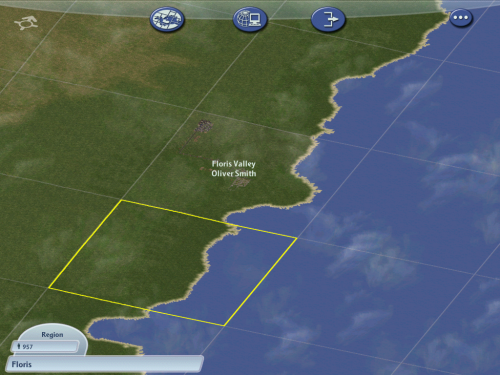

About This File
As says in the Title, it's 64x64, or 4288 Real life Square Kilometers, to give an idea of how big that is, the size of Timbuktu and when you automatically create a new Region is 16x16, or 268 Square Kilometers.
How to use/download the Region:
1. Download the config.bmp and Floris.jpg files.
2. After you've downloaded the config.bmp and Floris.jpg files, you wan't to start a new automatic region.
3. Then you wan't to hold down [shift] + [alt] + [ctrl] + r, and double-click on the Floris.jpg file, and Wallah!
WARNING: May take up to 8 Minutes to download the Region (ingame)
Also, be sure you create a new folder in your "SimCity 4 Regions" Folder, with both the jpg and bmp files in it, so that way it doesn't flood your "Downloads" Folder, and that's about it, enjoy!
(Floris Valley town, not included)
-
 4
4


