

 Supported

About This File
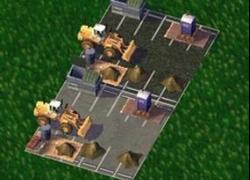
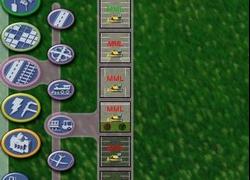
These are MML lots for all 10 modular sets released so far, 5 gray and 5 black. There is one MML for each set, and then a master gray and a master black MML. You should either use the master, or the other 5, but not in combination. The master lots hide everything.
I suggest you keep these in the folder they unzip to, or another folder for MMLs that starts with z's.
If you don't know how MMLs work, they hide the menu items. They can be used 2 ways. You can keep them in your plugins folder all the time. Whenever you need to place a parking lot, you first place the appropriate MML lot. Let a month or two pass, your menu items are now available. They will now stay uncovered until the next time you load your city. The biggest drawback is that when you place the lots after you've unhid them, you can only place one at a time without clicking on it in the menu again. The other way to use them is to remove them from your plugins folder before you load the game when you want to use the parking lots. When you don't want to use the parking lots. Move the MMLs back into your plugins folder. Again, you should either use the master or the 5 individual MMLs for each color. I'm not sure what will happen if you use them together.
I've also included a patch for a very minor texture issue with some of the black shrubs lots. Just keep it in the same folder where you have your HH Parking Textures 3b dat file. If you don't have this set, you can delete the patch. It's called "zzHH Parking Textures 3b Patch.dat"
For assistance or feedback, see my development thread here at SC4Devotion.
You can find all my parking lots by searching the STEX for hooha47.
-
 2
2


