


Shorline Tutorial

Ok I finally got enough time to do the tutorial I promised for my next update.
I'd like to reiterate that I'm not the best at this, and there are probably better tutorials out there. In fact, I learned some of this from tutorials, but I have also come up with some of my own ways of doing things, which is why I decided to share this with you all.
This tutorial is to show you how I handle shorelines with in game water (as opposed to ploppable water - which I handle in a similar manner anyways), when I want them detailed and rocky.
Here are the mods you'll need:
This last one is optional, but I find it easier to blend things with this than the default:
The key to getting things to look natural is the element of randomness. Don't worry about making anything perfect, nature is not perfect. Avoid straight lines.
STEP 1:
Starting with the HBS Grassy Rocks, fill in your intended detail area. Clicking once gives you some midsized rocks, twice gives you smaller ones, and more clicks yield various boulders. I usually use the medium rocks with the a double click for smaller rocks overlapping the medium rocks, then add the boulders randomly. It looks like this:
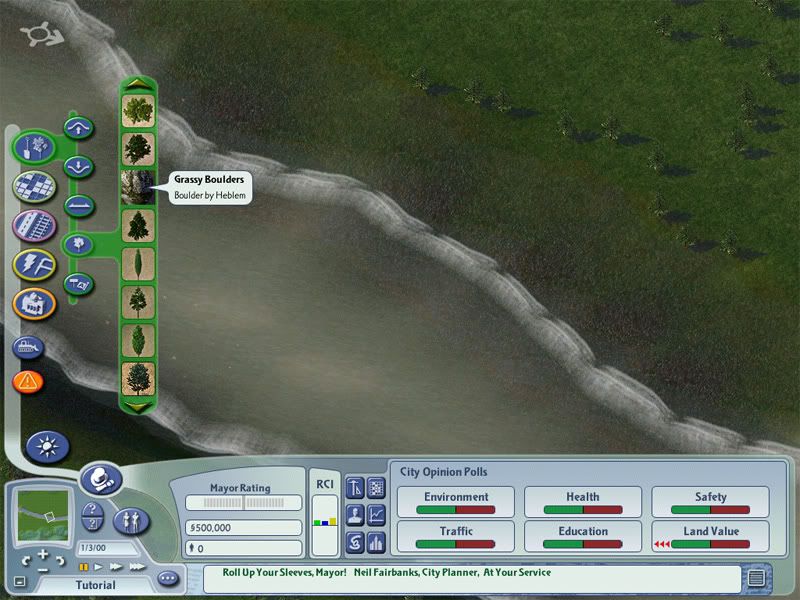
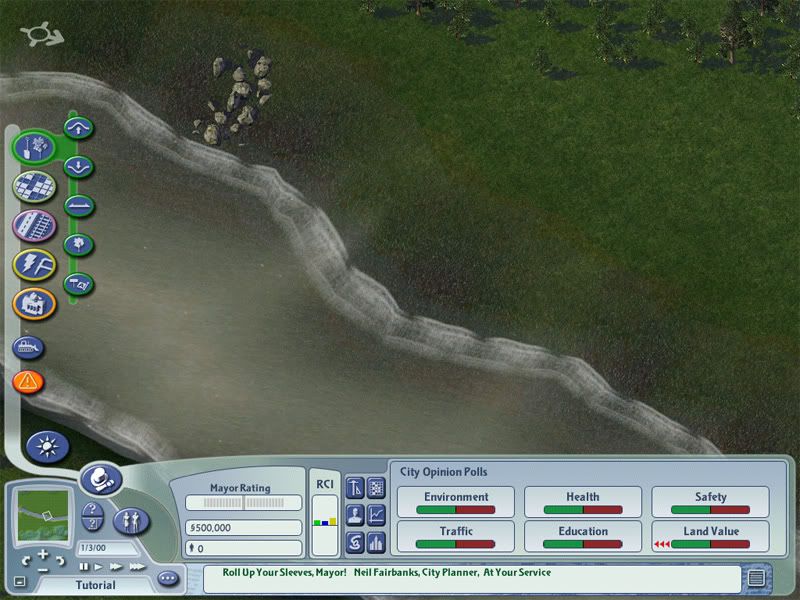
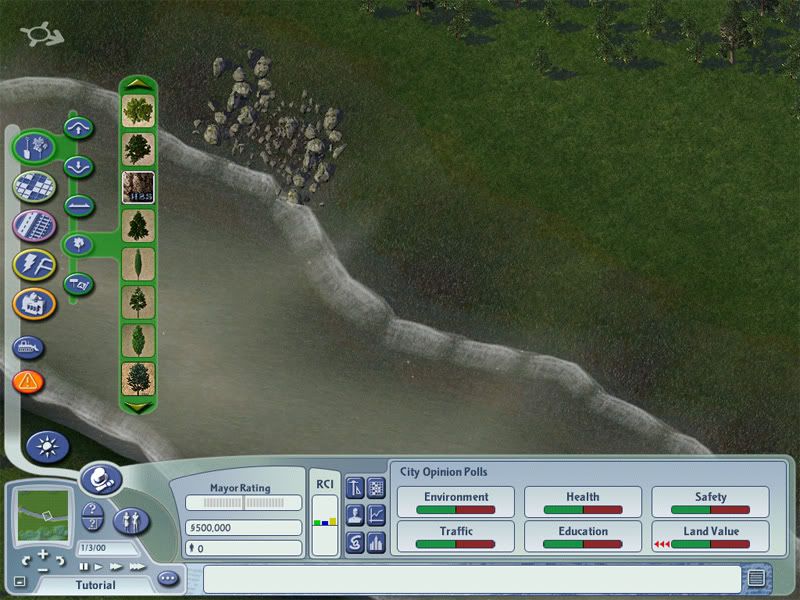
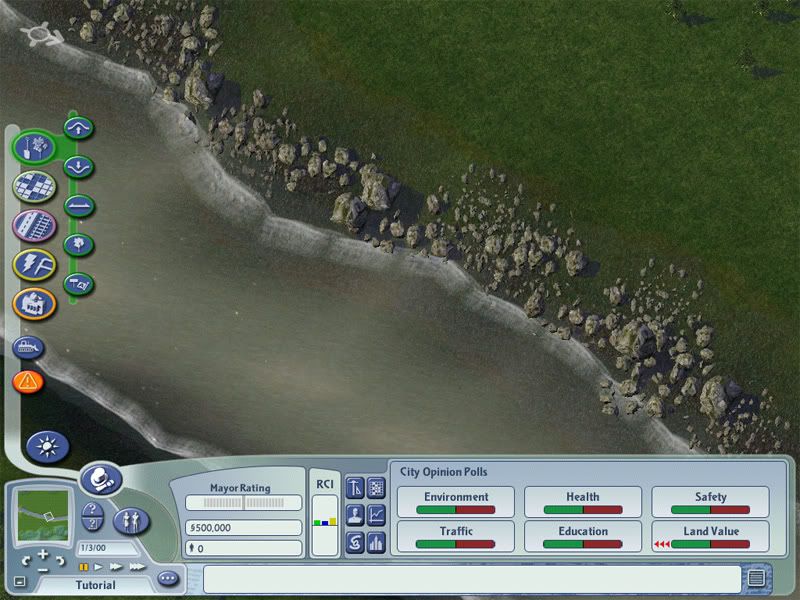
STEP 2:
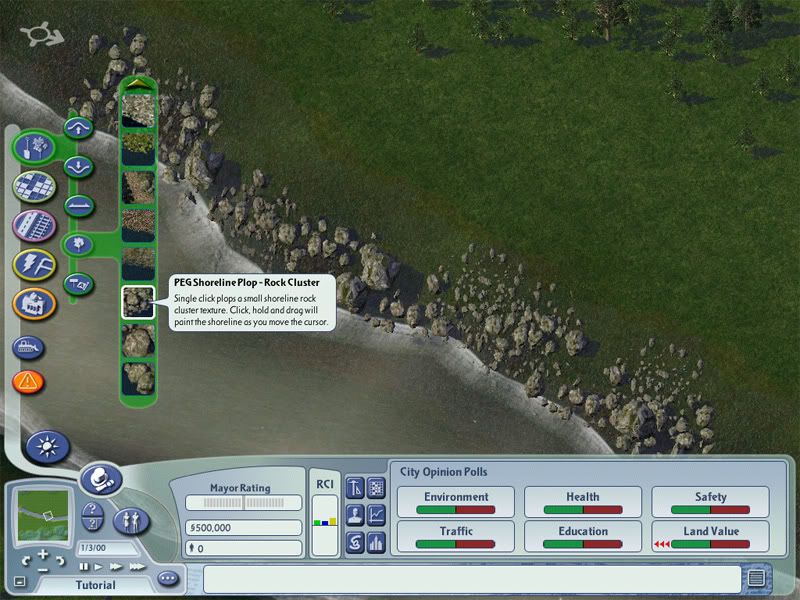
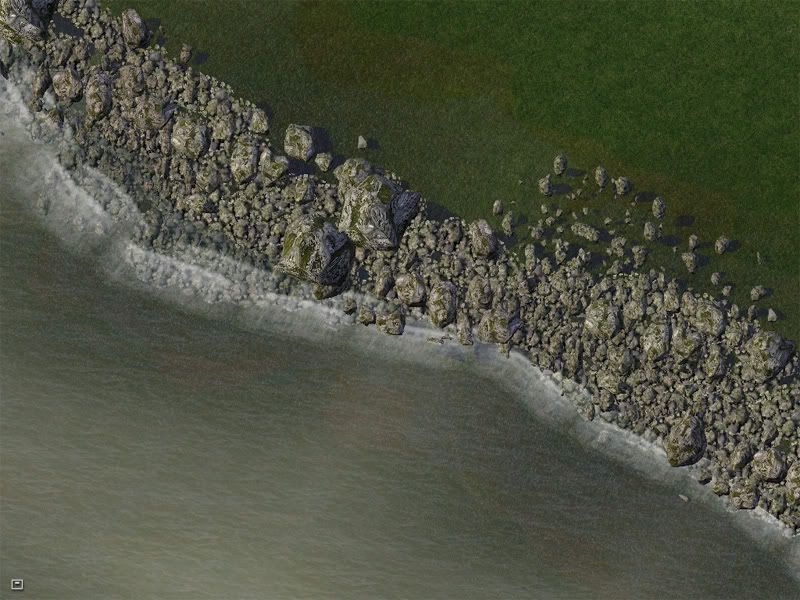
Finish filling in your designated area with rock clusters. "Paint" them into the area you just added the HBS rocks to. Overlap with the waves in the water, so that they mask the transition. It looks like this:
STEP 3:
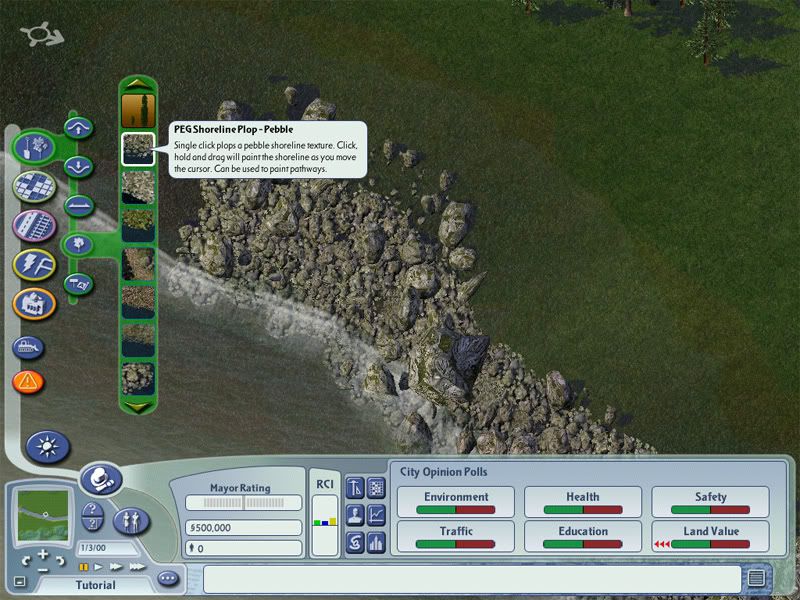
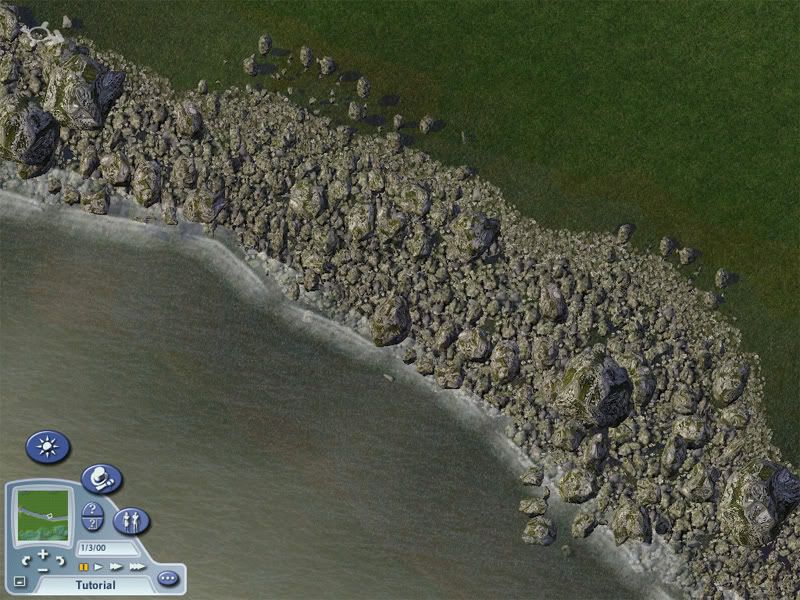
Paint the land facing edge of your designated area with pebbles. Just paint a curvy line following somewhat the edge shape of the rocks you have laid down already. It should have some overlap with the rocks. It looks like this:
STEP 4:
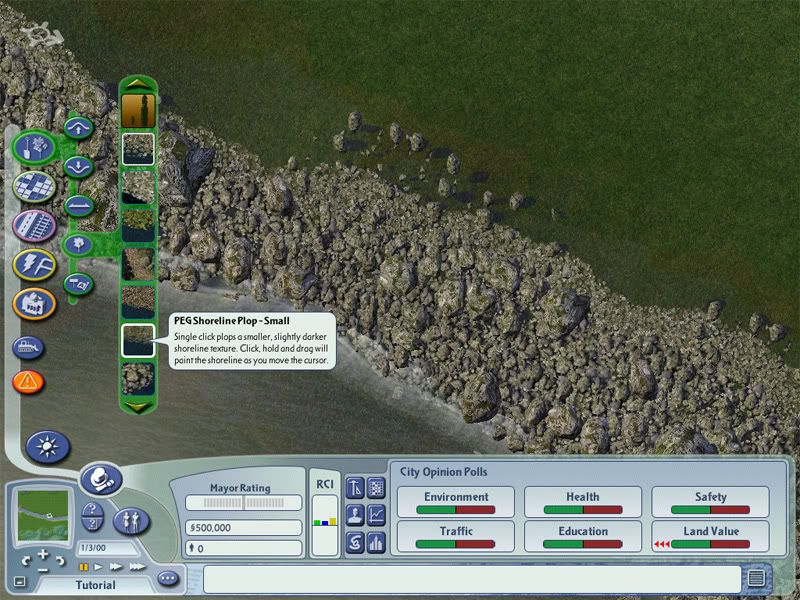
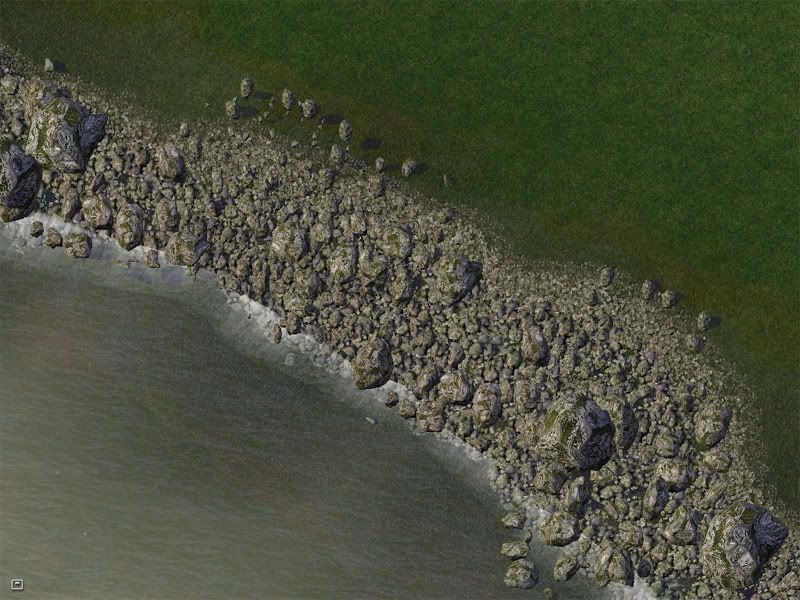
Paint another curvy line just like you did with the pebbles, this time using "shoreline small" as your brush. Again overlap with the pebbles is what you want. It looks like this:
STEP 5:
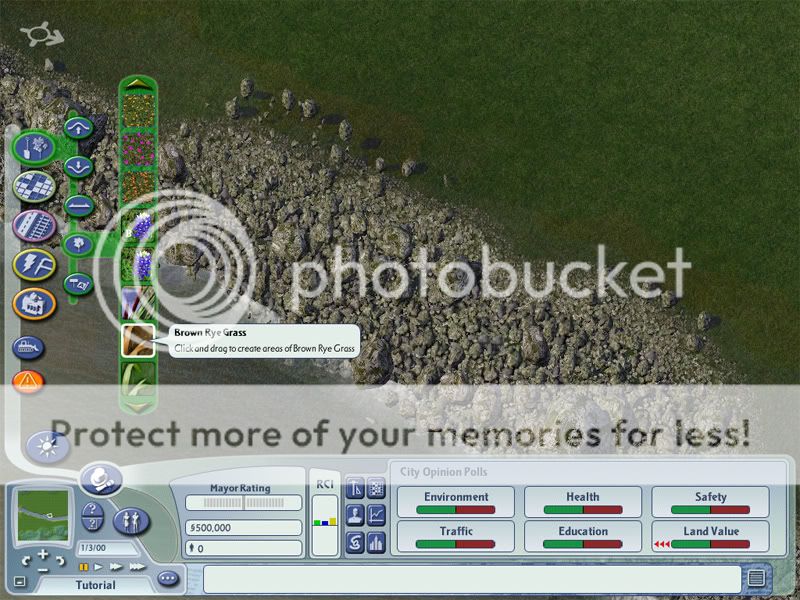
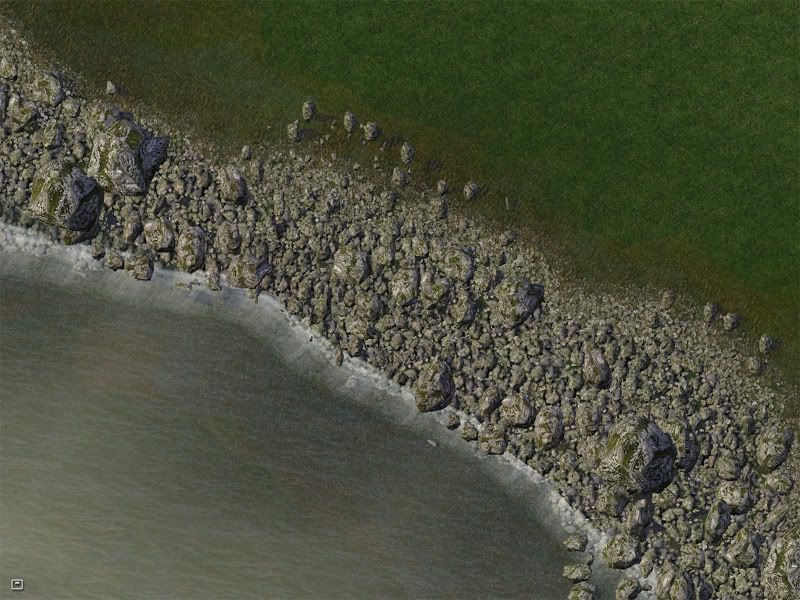
Using brown rye grass, click along the land facing edge of your area, overlapping the pebbles and shoreline small as much as possible. Space out each click so that each patch of rye grass overlaps barely or not at all with each other. It looks like this:
STEP 6:
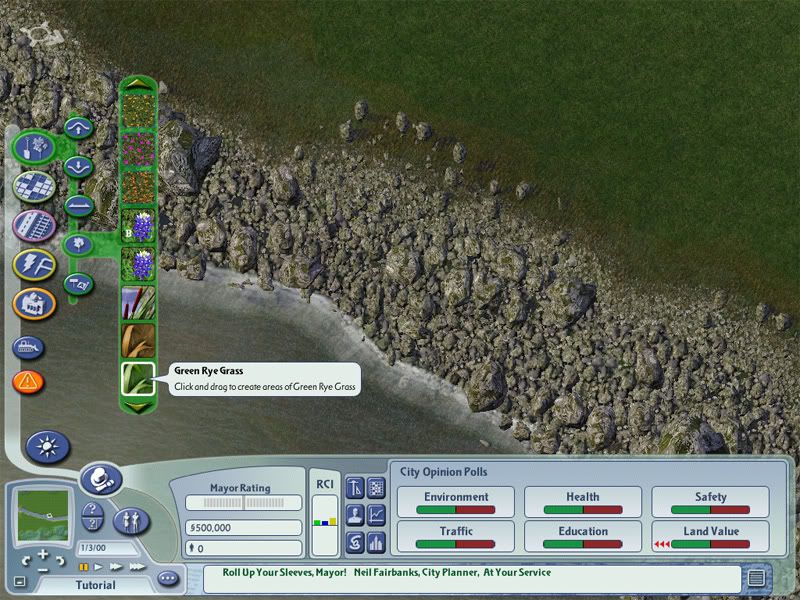
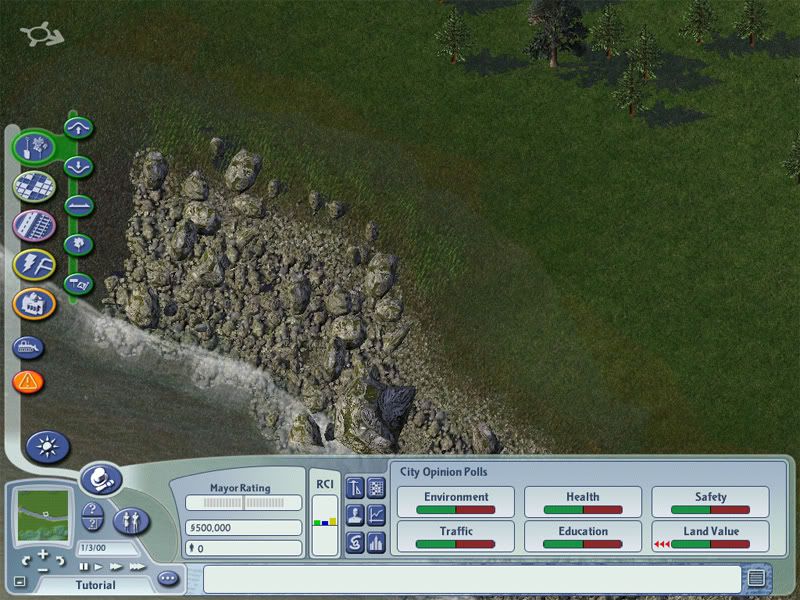
Repeat step 5, except this time use green rye grass. Have the green grass overlap the brown grass, but not other green grass, just like you did with the brown. It looks like this:
STEP 7:
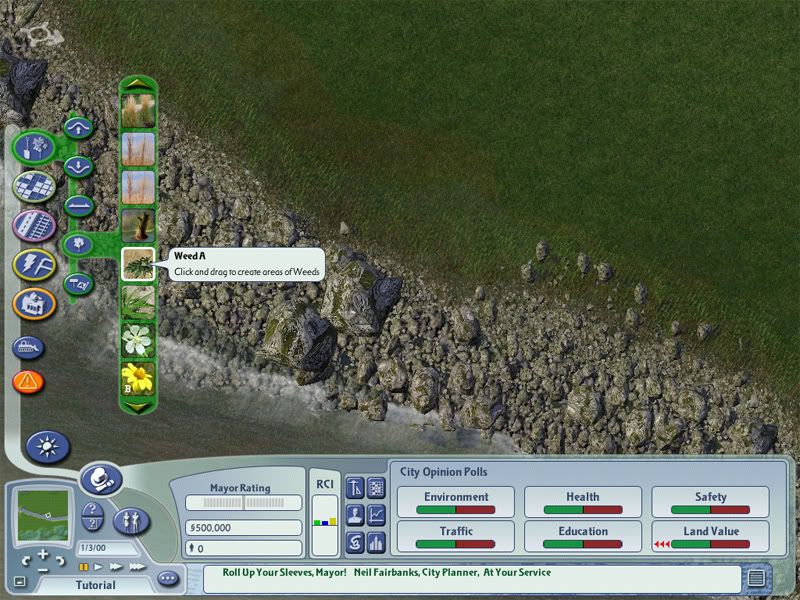
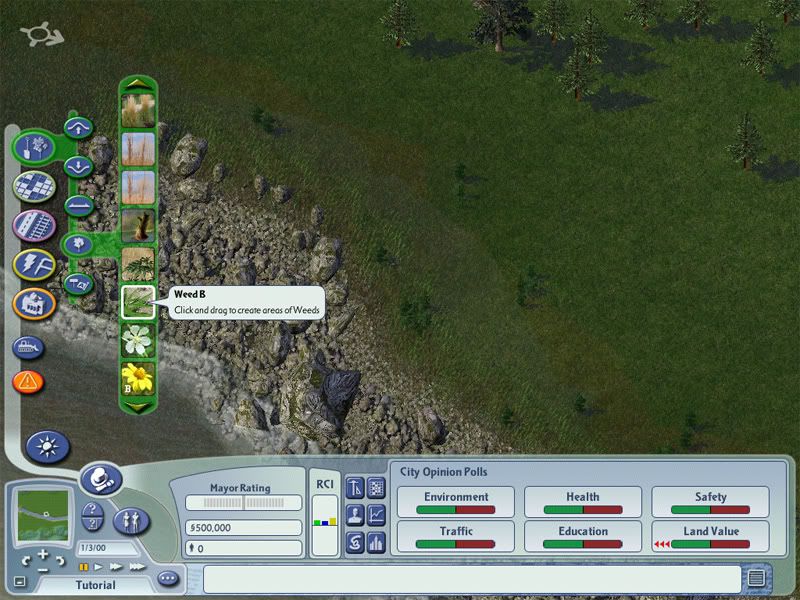
Add random weeds. Multiple clicks yeild different variations, and holding the mouse lets you paint them on.
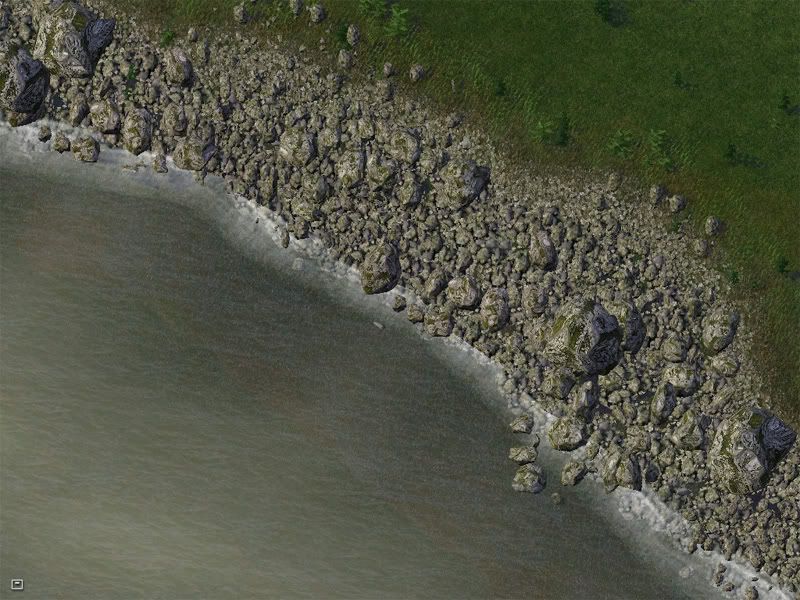
STEP 8: (optional)
Add random water flora:
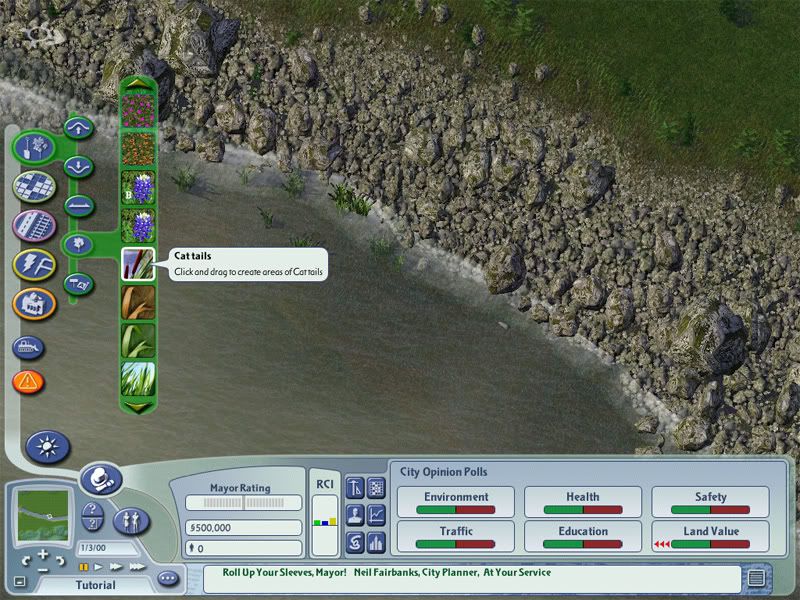
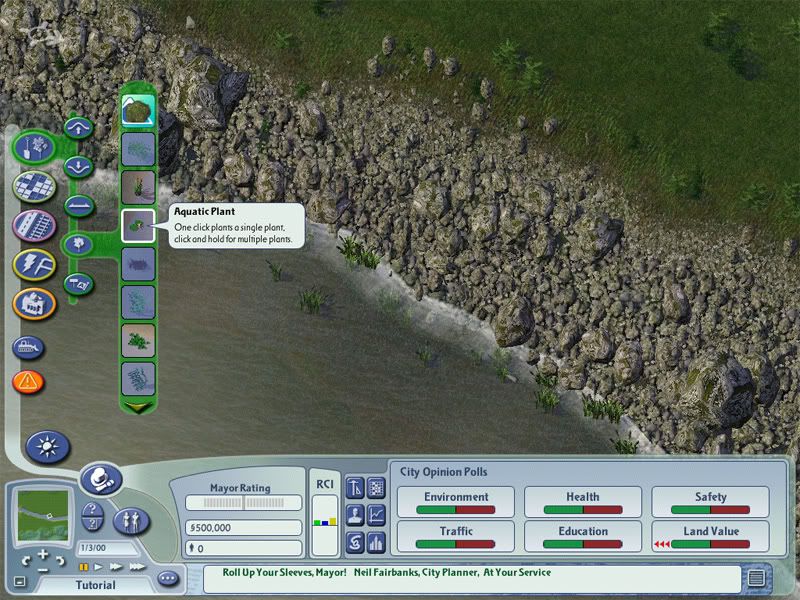
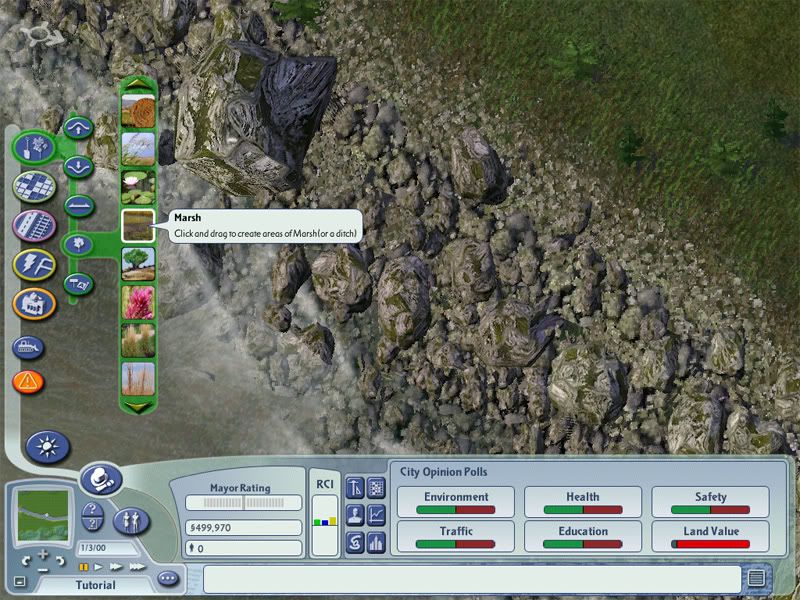
And finally you should have something that resembles this:
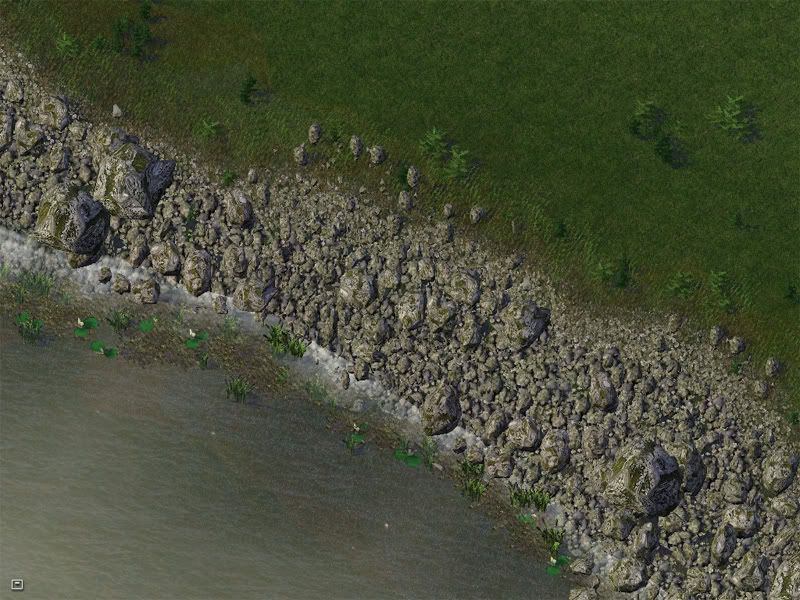
Thanks for checking out my CJ, and I hope the tutorial has been helpful.


9 Comments
Recommended Comments
Sign In or register to comment...
To comment in reply, you must be a community member
Sign In
Already have an account? Sign in here.
Sign In NowCreate an Account
Sign up to join our friendly community. It's easy!
Register a New Account