Jump to content
  •   Announcement

  • Entries
    114
  • Comments
    482
  • Views
    125,460

Manhattan Beach, California, New Zealand

Sign In to follow this  
Craig-Abcvs

574 Views

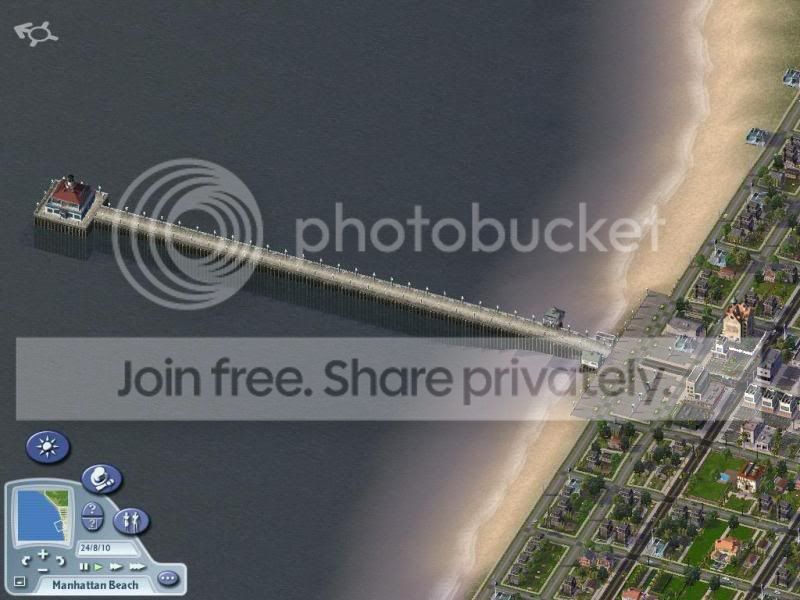
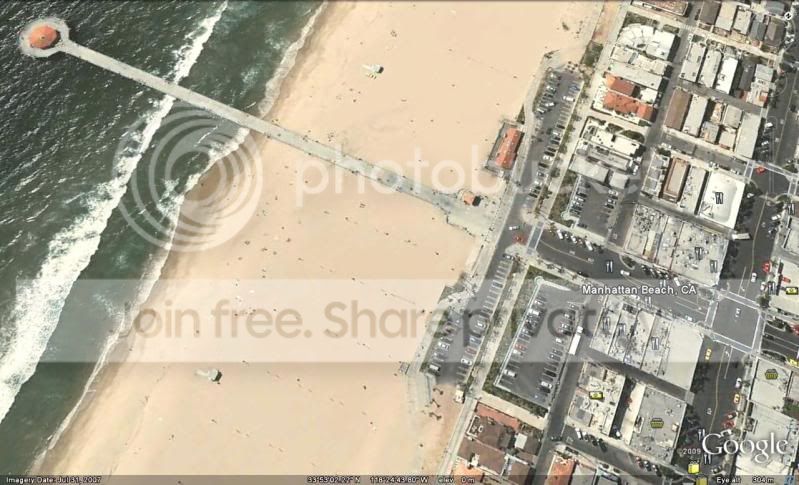
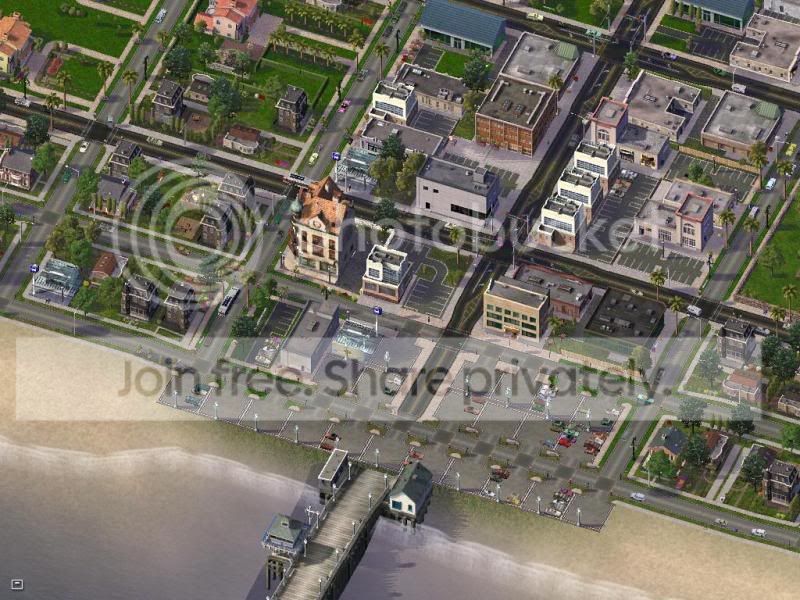
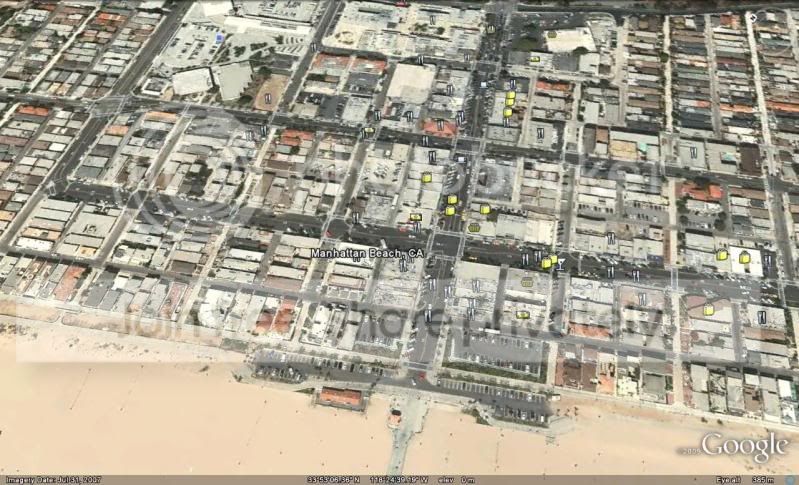
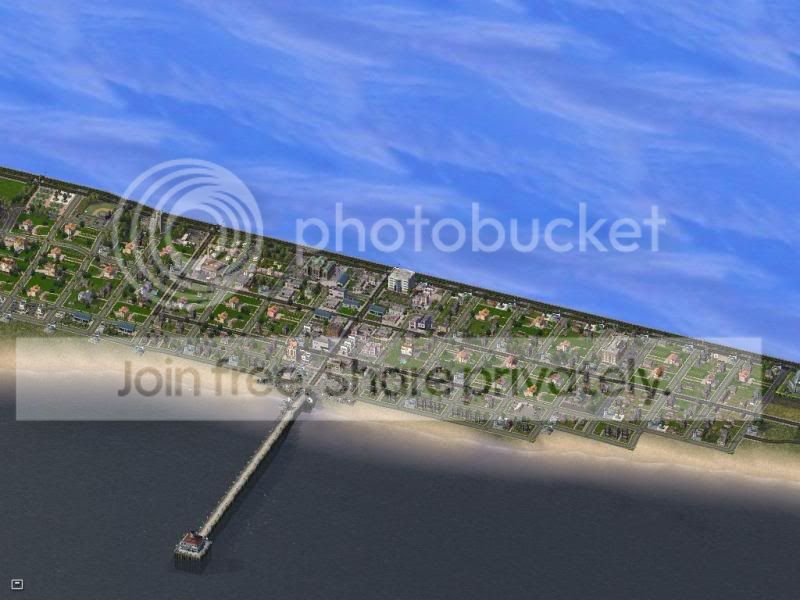
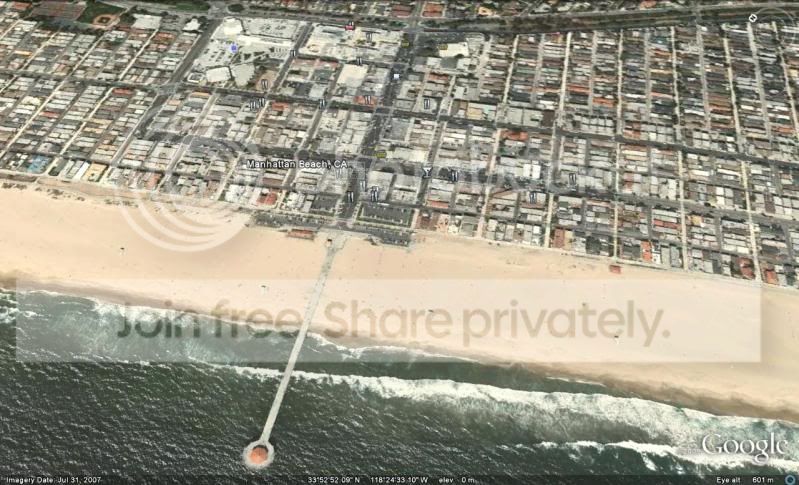
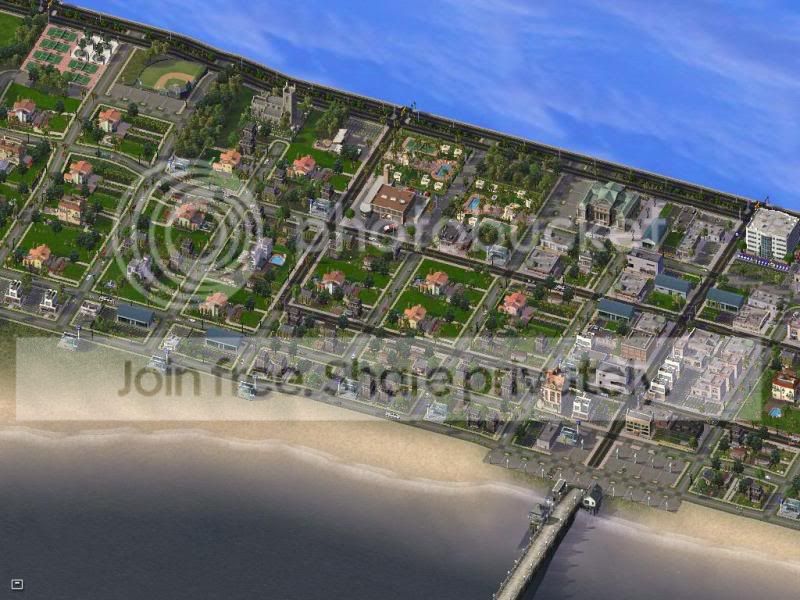
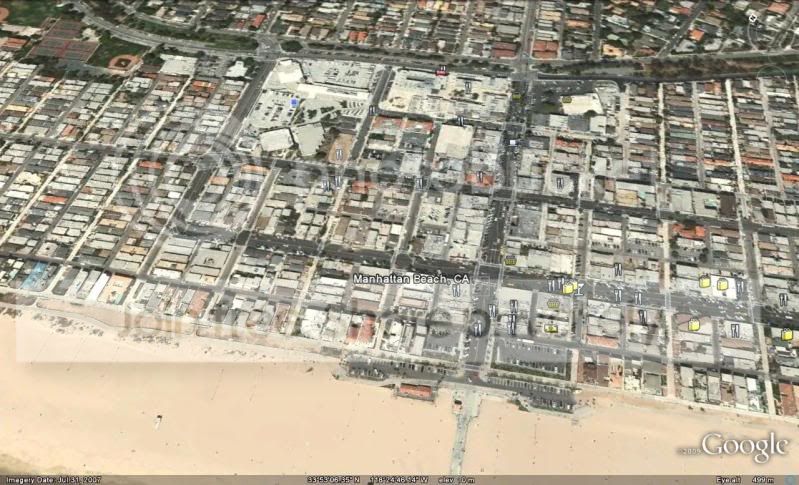
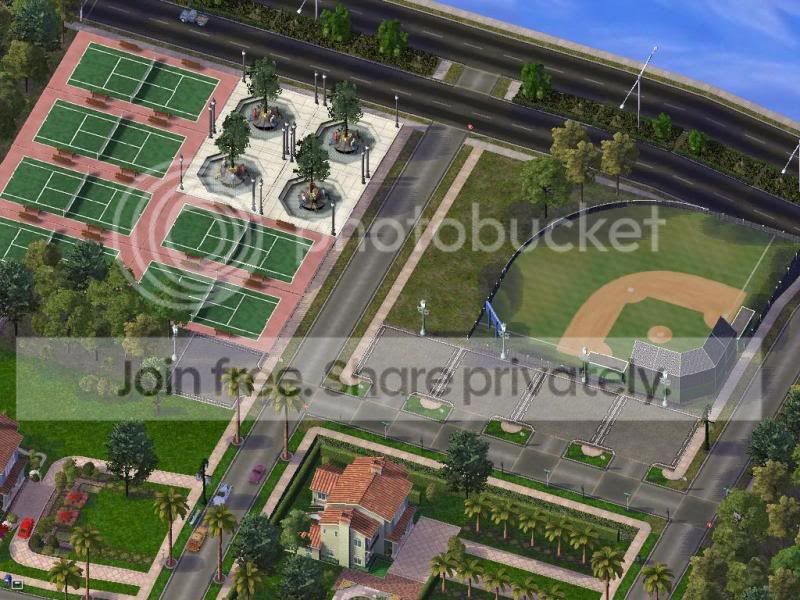
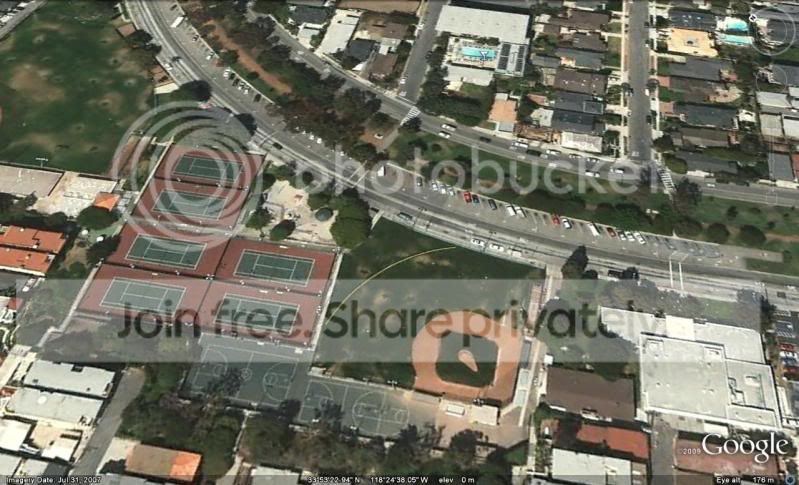
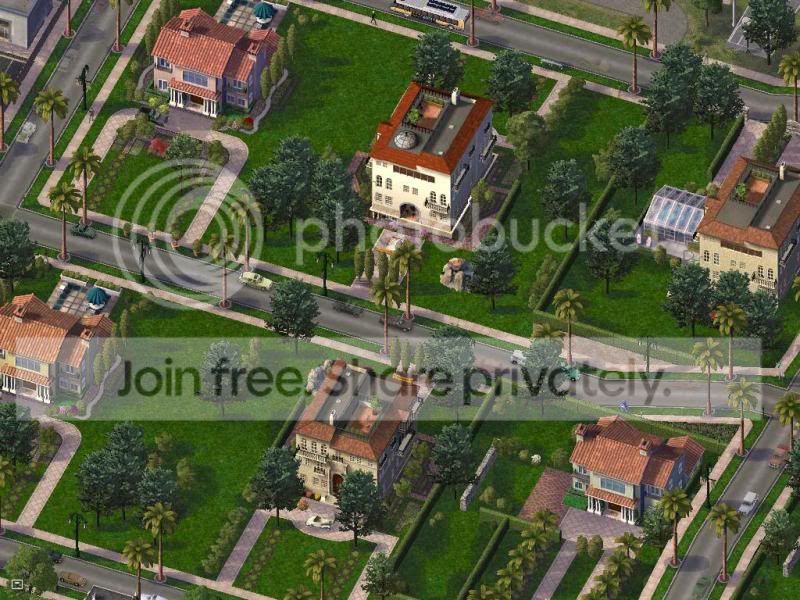
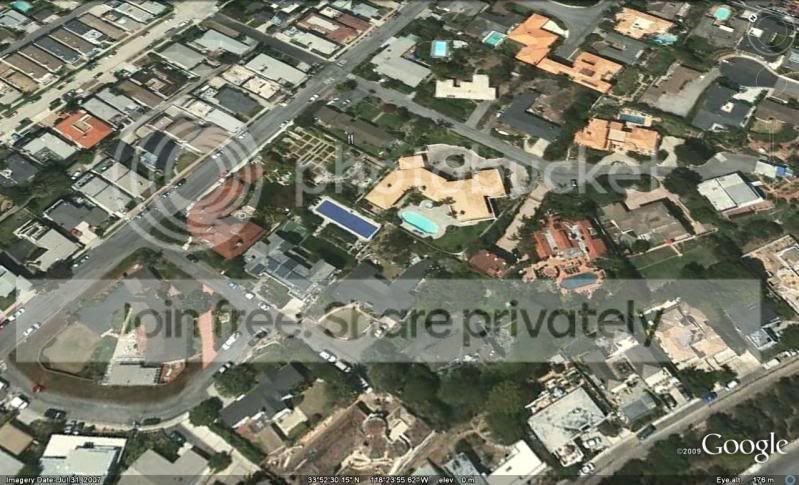
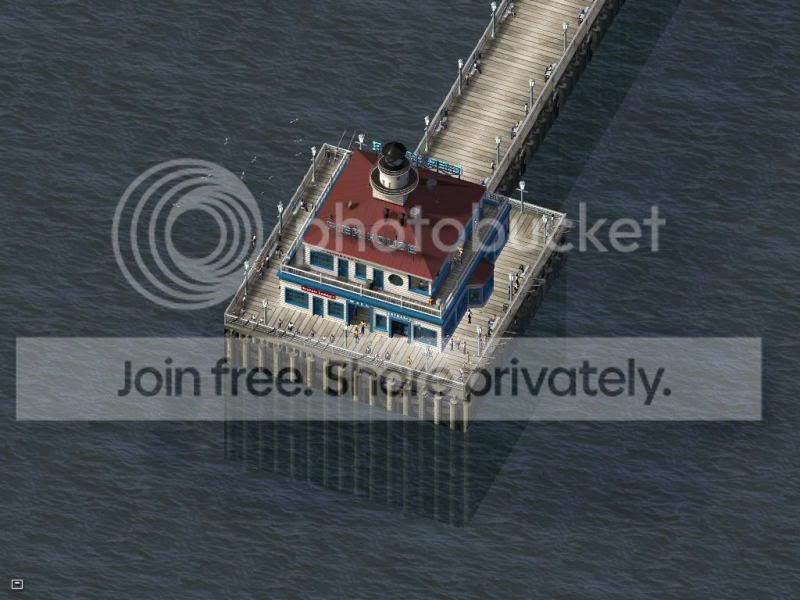
Manhattan Beach, California, New Zealand

(Yes New Zealand...  check which side of the road the sims are driving on...    yahoo  )

ManhattanBeach2-1.jpg

MBGE2.jpg

ManhattanBeach3.jpg

MBGE3.jpg

ManhattanBeach4.jpg

MBGE4.jpg

ManhattanBeach5.jpg

MBGE5.jpg

ManhattanBeach6.jpg

MBGE6.jpg

ManhattanBeach7.jpg

MBGE7.jpg

ManhattanBeach8.jpg

 Cool 

  • Like 1
Sign In to follow this  


8 Comments


Recommended Comments

 You have really captured the look of the place! Though I think the beach should come further from the shore.

Share this comment


Link to comment
 Nice attempt at the recreation of the area!  I concur about the beach, but now I think about it, it's probably not as wide as its RL counterpart because the in-game beach texture only extends a few tiles.

Share this comment


Link to comment

Thanks guys...   yup definately room for tweaking... and a few more details  just one evenings work.  

There is an 'endless' beach mod, but I have not tried it...   but I agree the beach is a little narrow.

Share this comment


Link to comment
You gotta be a certain kind of crazy to try to recreate RL maps in SC4.  

Not bad at all.  :P

ISF
 

Share this comment


Link to comment
Are there any mods that exist that switch traffic from right-hand drive to left-hand drive, and would any mods (i.e. NAM) need to be updated for that?

If anyone can suggest anything it'd be much appreciated.

Thanks.

Share this comment


Link to comment
 

How To Switch From Right To Left Hand Drive

Original Author: Etherian | Last Updated 5/3/09 at 11:22 AM


There are two major steps.

Part one of two


  • Locate and go to the directory where you have installed SC4, usually it is C:\Program Files\Maxis\SimCity 4 Deluxe
  • Within this directory, you will see a folder name English, it should contain a file called SimCityLocale, if it does, you are looking at the correct folder.
  • Now rename this folder from English to UKEnglsh (not a typo!)


Part two of two


  • From your START menu, select Run.
  • Type in regedit into the field and click OK.
  • On the left hand directory tree, expand HKEY_LOCAL_MACHINE > SOFTWARE > Maxis > SimCity 4 > 1.0
  • Change the Language value by right clicking it and selecting Modify.
  • Leave it as Hexadecimal and enter 13 into the Value Data field. Click OK.

With these two major steps complete, your sims will now start driving on the Left! If you wish to switch from the Left to the Right - rename the folder to English in step 3, and enter 1 into the Value Data field in step 8 instead.

Share this comment


Link to comment

Sign In or register to comment...

To comment in reply, you must be a community member

Sign In  

Already have an account? Sign in here.

Sign In Now

Create an Account  

Sign up to join our friendly community. It's easy!  

Register a New Account

×

Thank You for the Continued Support!

Simtropolis depends on donations to fund site maintenance costs.
Without your support, we just would not be in our 24th year online!  You really help make this a great community. *:thumb:

But we still need your support to stay online. If you're able to, please consider a donation to help us stay up and running. This helps sustain a platform where we can share our community creations for years to come.

Make a Donation, Get a Gift!

Expand your city with the best from the Simtropolis Exchange.
Make a Donation and get one or all three discs today!

STEX Collections

By way of a "Thank You" gift, we'd like to send you our STEX Collector's DVD. It's some of the best buildings, lots, maps and mods collected for you over the years. Check out the STEX Collections for more info.

Each donation helps keep Simtropolis online, open and free!

Thank you for reading and enjoy the site!

More About STEX Collections