


Creating a 3d model house in blender and making it available in the Banished Game by Discrepancy
Tutorials created by Discrepancy and posted on the "World of Banished" website on creating a 3d model house in blender and making it available in the Banished Game
Any questions please post them in this Q&A in the Banished Club
https://community.simtropolis.com/forums/forum/374-questions/
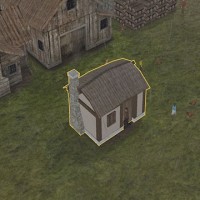
So our house model is way too large inside the game, looking at the picture in game, we could easily take one square off the side, so it will be a smaller house sitting on a smaller footprint of 3x3 instead of 4x4.
Open up Blender and load up the save you have for the completed house (SmallTownHome.blend):
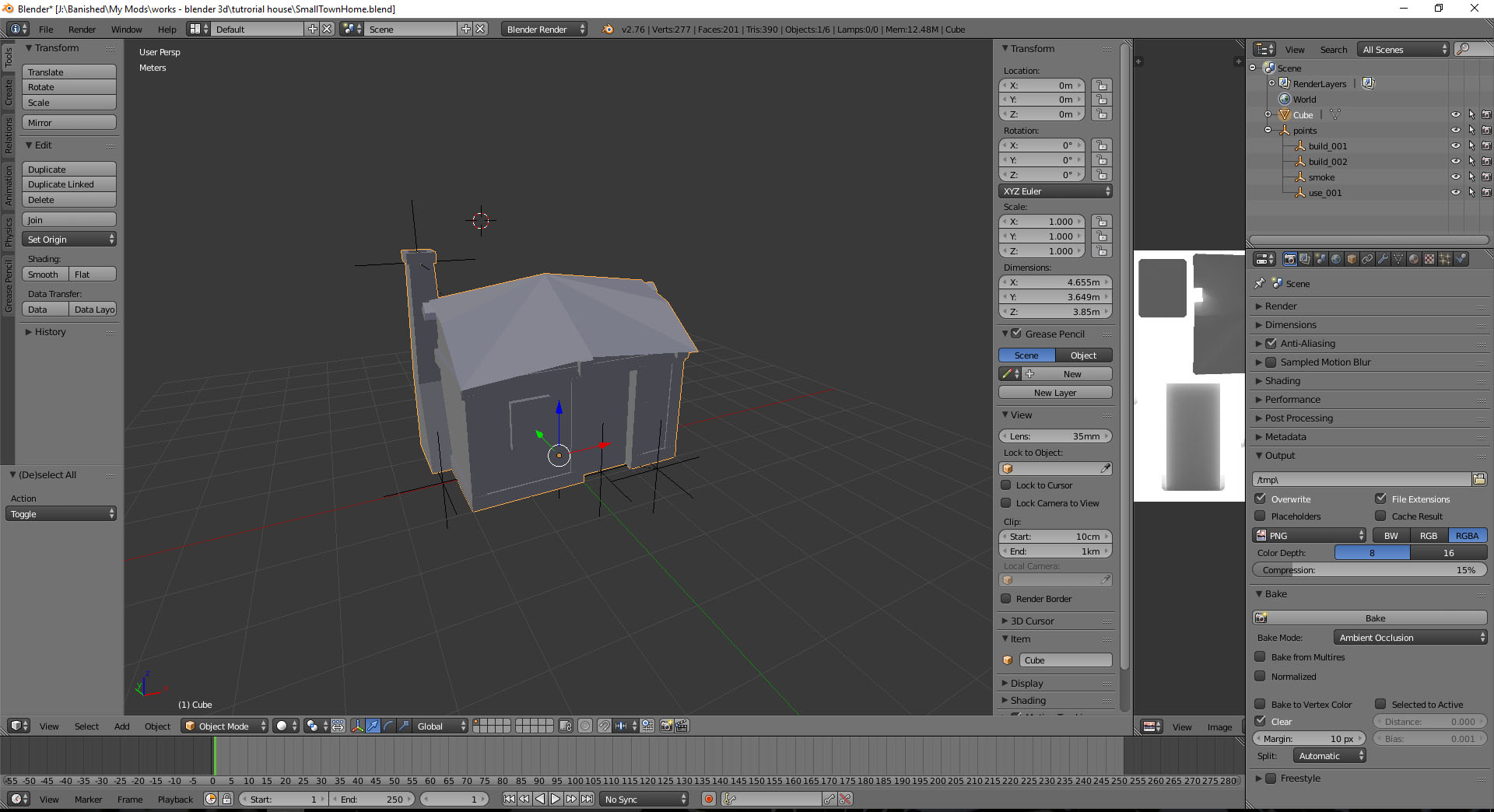
In 'Object mode',
Select the house, and in the Transform window panel, change the scale to 0.650 for all axis points (36)
Do the same for the points holder (it will resize all points).
We now have a house scaled to 65% of what it was.
It takes up approx. 1.5 squares either side of the Y-axis.

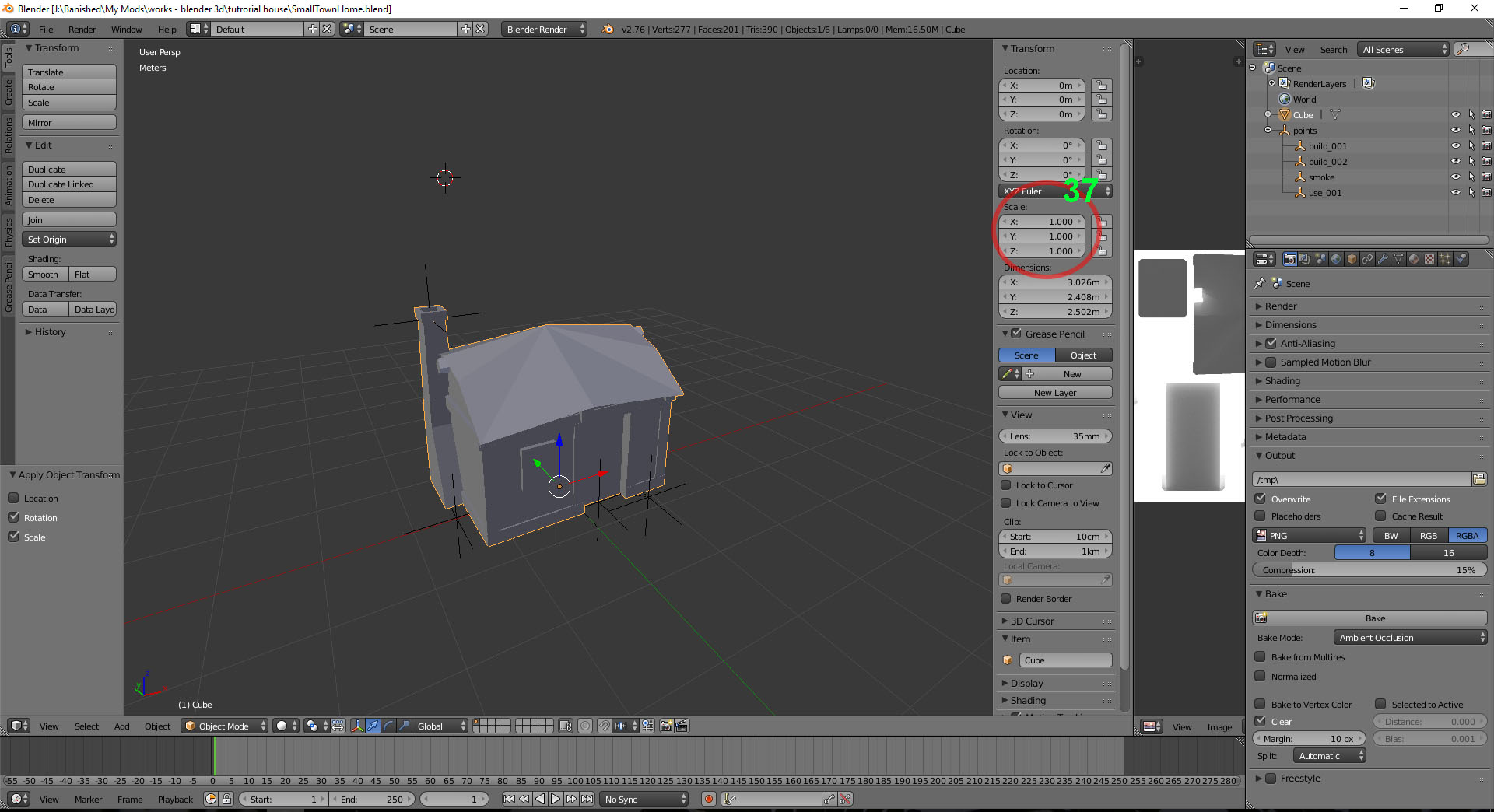
Important, we now need to 'Apply' these changes to the scale.
Like we did earlier in the tutorial, click on 'Object' – 'Apply' – 'Rotation & Scale', repeat with the 'point' holder. (you will see that the 'Transform' scale will have changed to 1.000) (37)
Save file.
Now like we did earlier, delete the house mesh, and export only the points as an .fbx file (at scale 1.000).
Reload the house save, this time delete all the points (all points can quickly be deleted by 'right-clicking' on the 'points' holder in the Outliner window pane [top right of my blender view], and click on 'Delete Hierarchy').
Now export the house only as an .fbx.
Now load up the build01 & build02.blend saves we made earlier, and make the same changes in scale that we made to the complete house, apply the scale, and save and export as .fbx's.
And again following the same method we did in Part 5, we will start a new empty Blender project and import the .fbx files one at a time at 0.01 scale.
And add the 'Material/Texture' to each of the mesh, build 02 & build 01 like we did earlier. (they all call up the same Material holder)
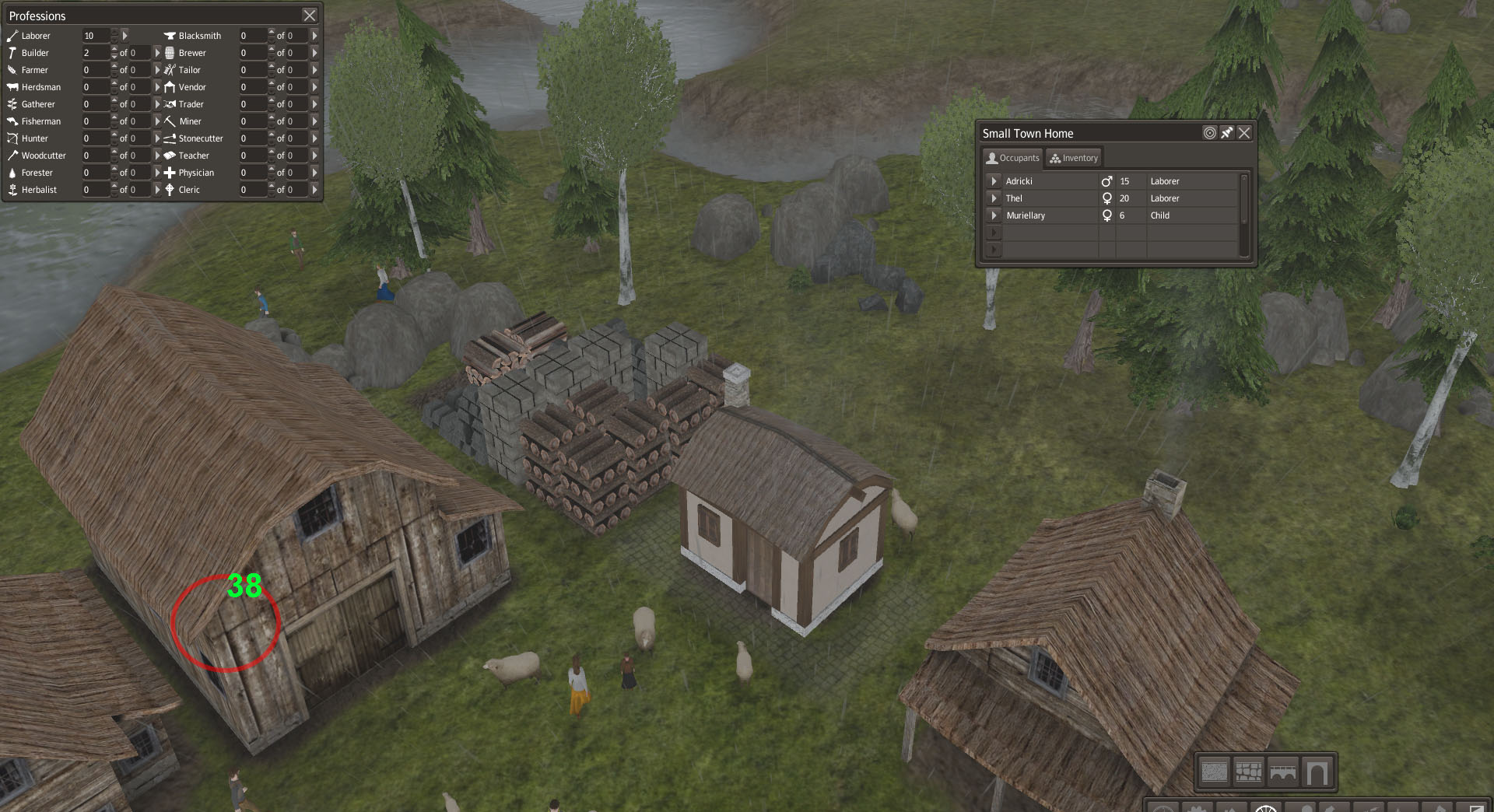
If you want, you can press on the 'Object mode' button (38), press 'Texture Paint' and it will show up the house with the texture you just assigned.

Once you've assigned the materials, export all as an .fbx, and replace the SmallTownHome.fbx you created in the Models folder.
Open up the SmallTownHome.rsc file in the Templete folder.
Change the following:
CreatePlacedDescription createplaced
{
	PathBits _placeBits = Normal | Obstacle;

	int _width = 4;
	int _height = 4;
	int _footprintRotation = 0;

	PathBits _placeBitArray
	[
		Normal | Obstacle,
		Normal | Obstacle | Fast | Faster,
	]
	String _placeBitmap =
		"0000
		0000
		0000
		1111";

	ComponentDescription _allowAndRemove = "Template/Clear.rsc";
}

MapDescription map
{
	PathType _pathType = Immovable;
	String _pathBitmap =
		"####
		####
		##_#
		....";

	bool _addToOverhead = true;
	Color _mapColor = 0xFF545454;
}
to:
CreatePlacedDescription createplaced
{
	PathBits _placeBits = Normal | Obstacle;

	int _width = 3;
	int _height = 3;
	int _footprintRotation = 0;

	PathBits _placeBitArray
	[
		Normal | Obstacle,
		Normal | Obstacle | Fast | Faster,
	]
	String _placeBitmap =
		"000
		000
		111";

	ComponentDescription _allowAndRemove = "Template/Clear.rsc";
}

MapDescription map
{
	PathType _pathType = Immovable;
	String _pathBitmap =
		"###
		#_#
		...";

	bool _addToOverhead = true;
	Color _mapColor = 0xFF545454;
}
We have now changed the house to sit on a 3x3 footprint including the road.
Now recompile the mod (delete the 'bin' and 'Build' folders first) by clicking on the '1 Build.bat' file. Run the mod by clicking '2 Run.bat'.
More issues:
The size is better in game, but a problem! although hard to see... our roof is on fire! Smoke is billowing out from the centre of the roof! (I recall this coming up before: http://worldofbanished.com/index.php?topic=1112.0 but how it was solved?...)
I guess we will find out in Part 7! … I was hoping to have this finished by now. But problem solving is the best way to learn.
Creating a 3d model house in blender and making it available in the Banished Game by Discrepancy
Tutorials created by Discrepancy and posted on the "World of Banished" website on creating a 3d model house in blender and making it available in the Banished Game
Any questions please post them in this Q&A in the Banished Club
https://community.simtropolis.com/forums/forum/374-questions/


There are no comments to display.
Sign In or register to comment...
To comment in reply, you must be a community member
Sign In
Already have an account? Sign in here.
Sign In NowCreate an Account
Sign up to join our friendly community. It's easy!
Register a New Account