


SAM Tutorial

Ok, so this isn't an actual update, but something very important and educational. Hey, a few updates ago, didn't I say I was going to have "Jill Jacobs tries to teach you something"? I did! Weird how that works out...especially since this isn't what I'd planned at all for that segment. Oh well. I hope you all learn something if you've never used the SAM tool before. This tutorial is dedicated to jacqulina, who has taught me so much about terraforming and nature building from her CJ. With this information I expect HUGE things from Return to Paradise Falls. It's also dedicated to me, since my birthday is tomorrow. Consider this my birthday gift to all my readers. Enjoy!

If you've never used the SAM tool (Street Addon Mod), you should definitely pick it up. Unfortunately It's not compatible with other street mods like jeronij street side mod (not available on the STEX) and the red brick street mod. This is most unfortunate for jeronij's mod, since it adds so much to the visual effect of the streets. However, the SAM makes up for this by adding 8 different types of streets, which adds realism especially in rural or suburban areas, depending on the type being used.
Here it is in action:
Hot...
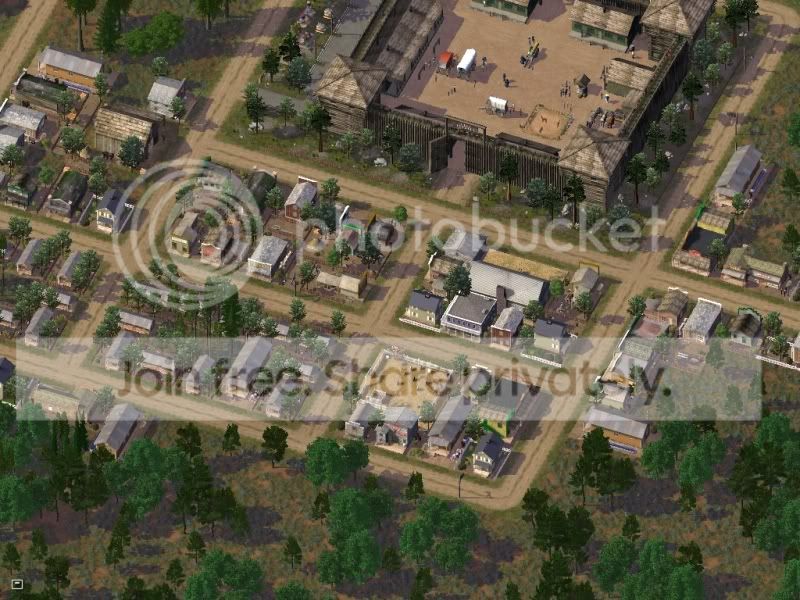
Wild west towns, and anything other than modern day cities would not be possible without the SAM. It can be complicated or hard to use, so I'm going to teach you how to use it.
The first step is to find the SAM starter piece from the roads menu.
There it is! OMG!
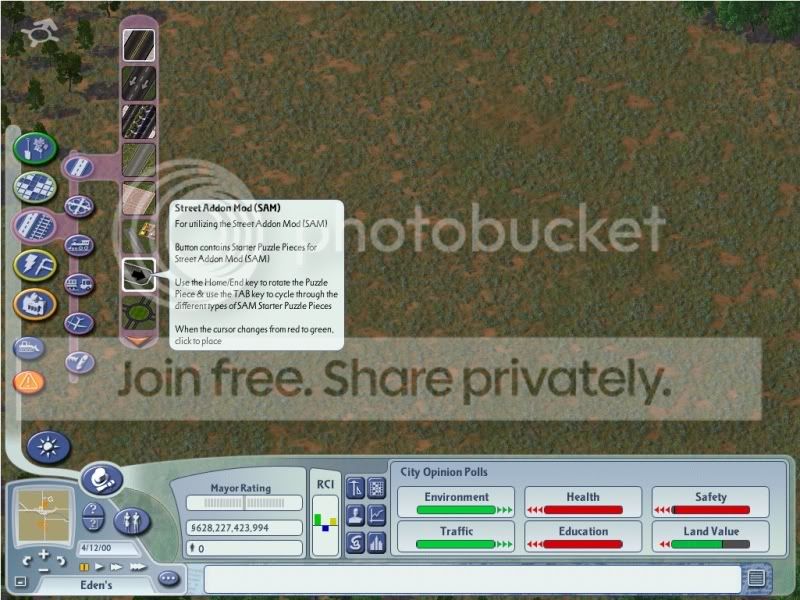
Next, select the type of road you want to use. I'll go over the different types available later. Just place it somewhere the road will be. You'll be deleting this piece...
Plop!
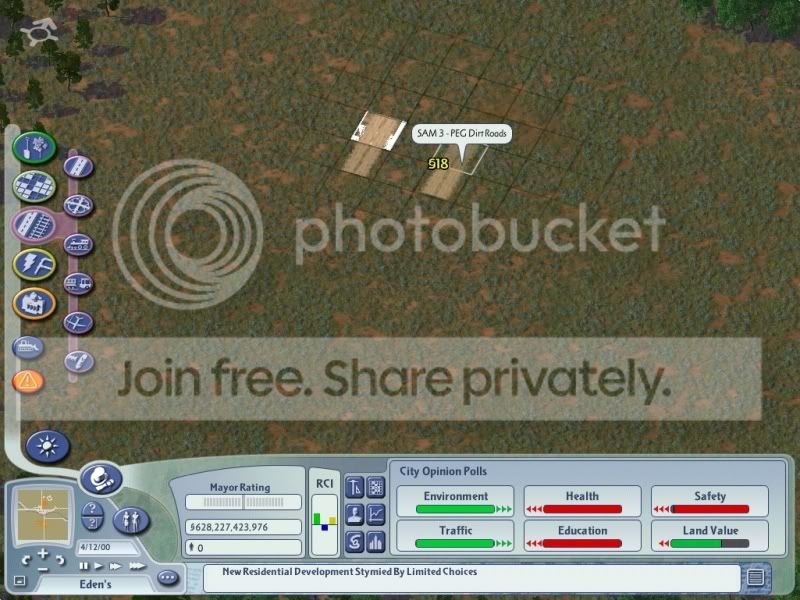
Next, go back to the road menu and select the regular streets.
Hey, I remember these!
Drag it where you want it to go...but make sure one end of the street you're dragging is touching the starter piece.
My guess: you've dragged a street somewhere before
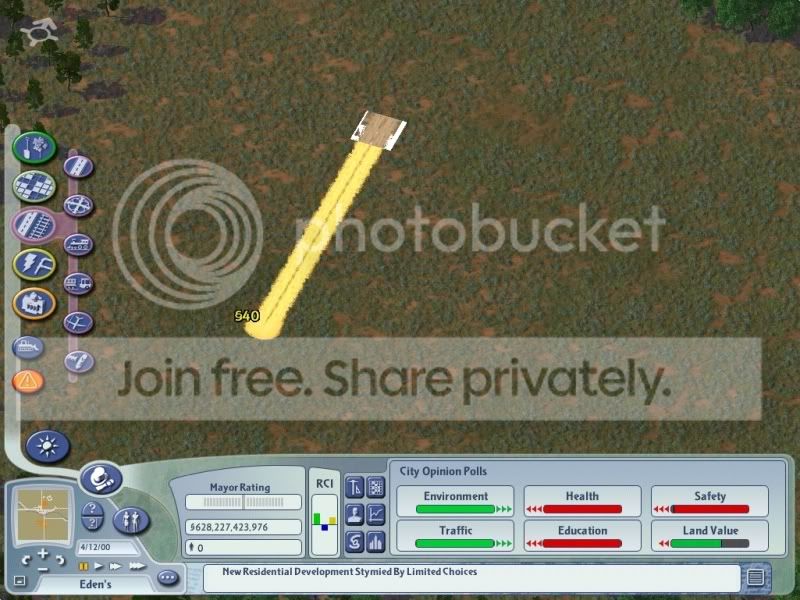
BAM! That's not the ugly gray street you're used to, that's a dirt street, just like we planned!
Holy dang!
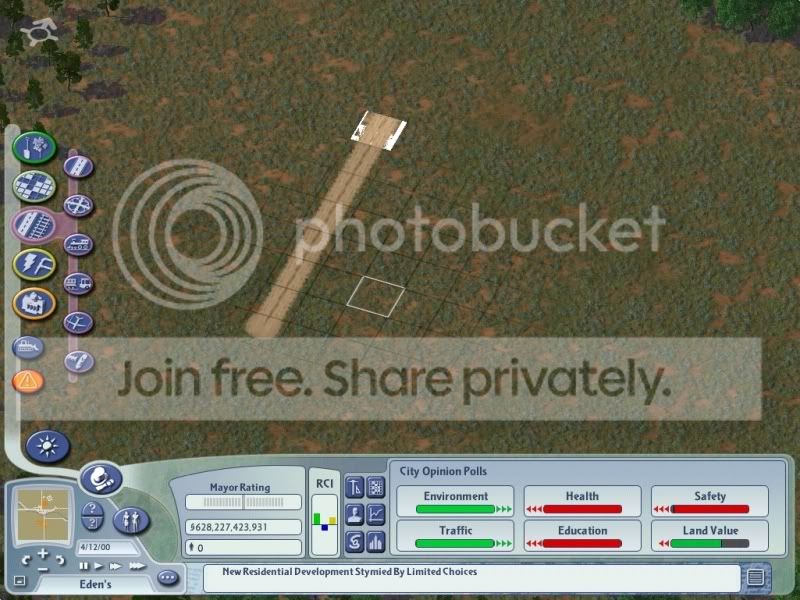
Now you can drag streets anywhere, and as long as it starts in the existing SAM network, the new street will also be that same type.
Cool, eh?
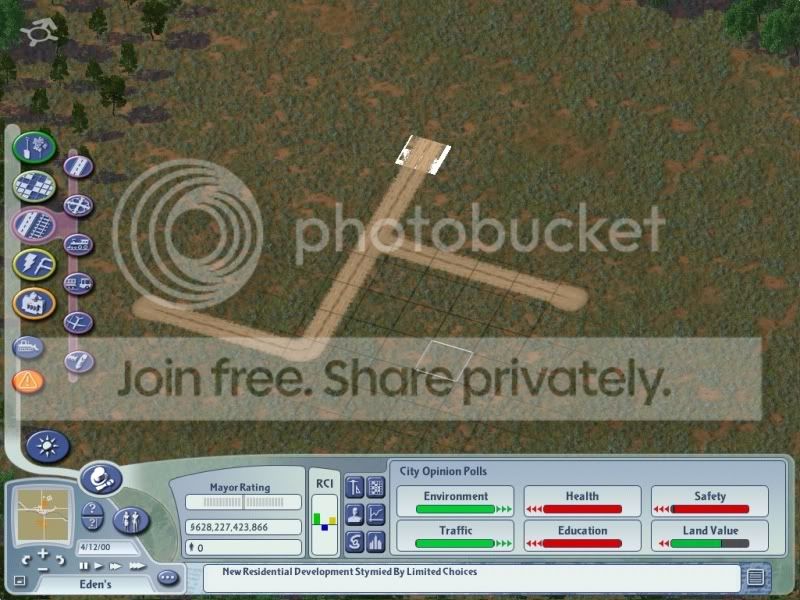
Go ahead and destroy that old starter piece. You don't need that old relic anymore.
Oh that old thing?
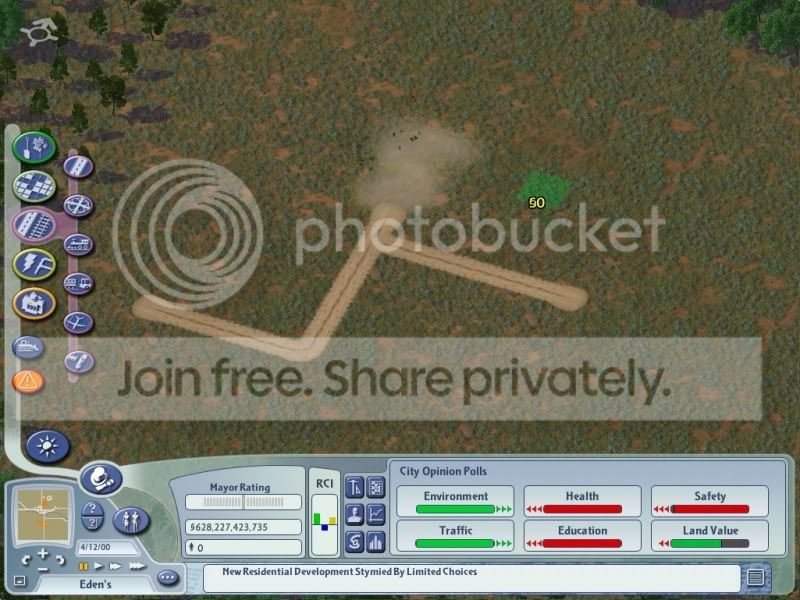
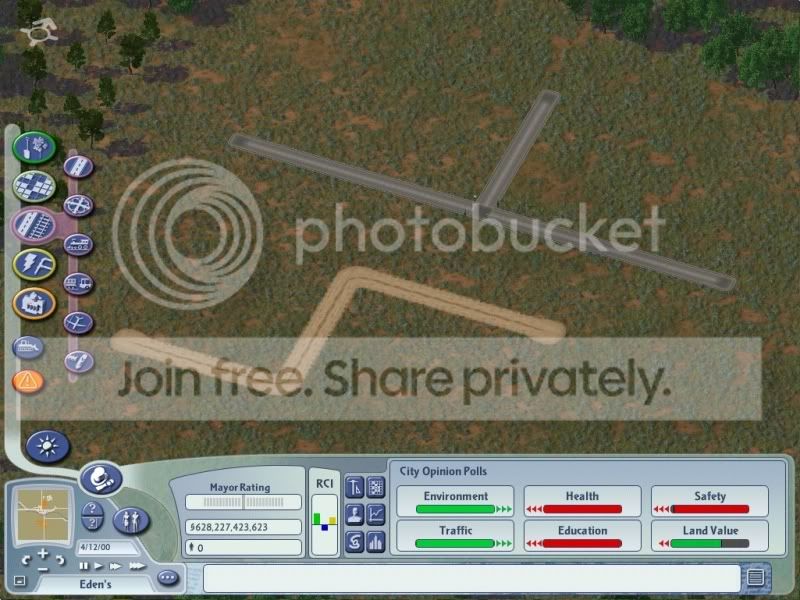
Alternatively, if you have old ugly gray streets (which are still possible if not connected to a SAM piece), you can easily convert them into SAM roads like a successful Jehovah's Witness
Knock knock
I'd like to tell you about being a dirt street...
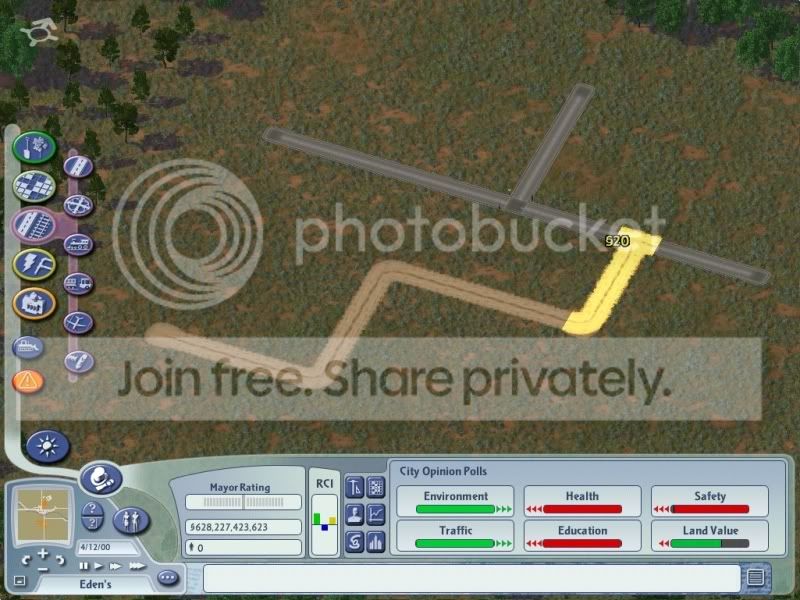
Conversion!
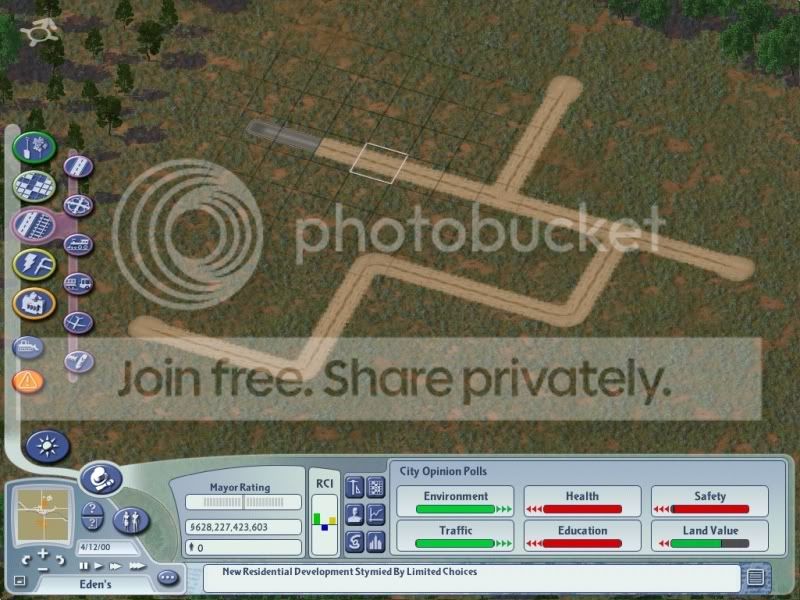
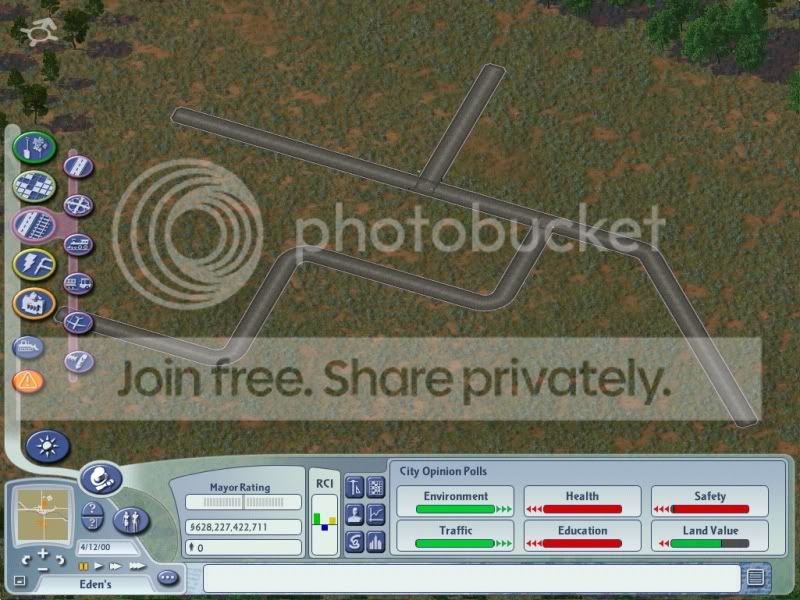
It's as simple as dragging some SAM streets into the other ones. They instantly change within a certain area. The rest can be changed by plopping a single piece of street on top of one of the existing unconverted street.
That's a good place
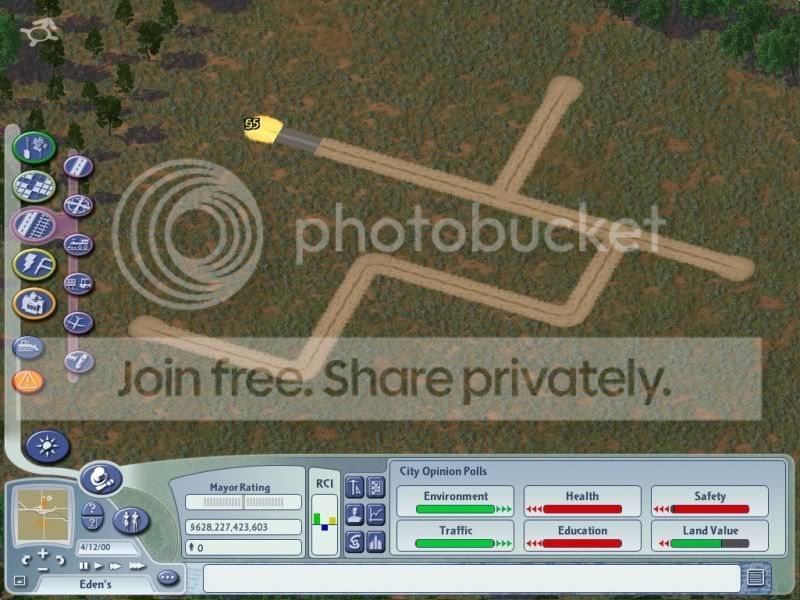
Doesn't that look nice?
Go ahead, try to not say yes. Impossible...
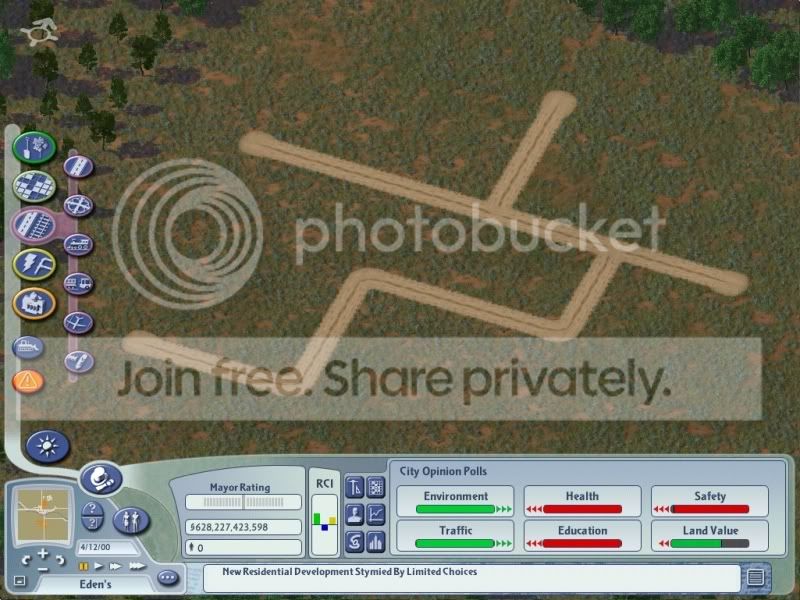
Now I'll change what I just made into a different type of SAM street.
First place the starter piece of the new type. In this case, I'm changing it to Cobblestone.
I'm tired...no more captions
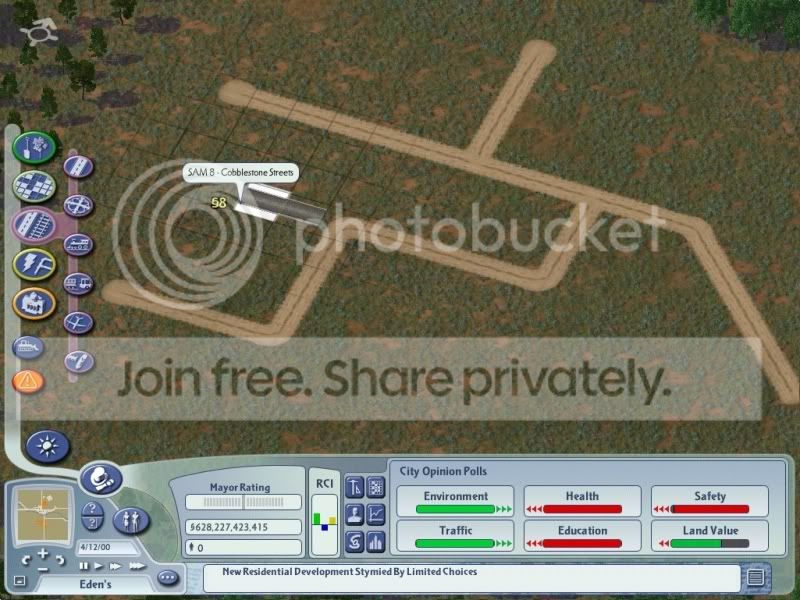
Drag it through the existing network.
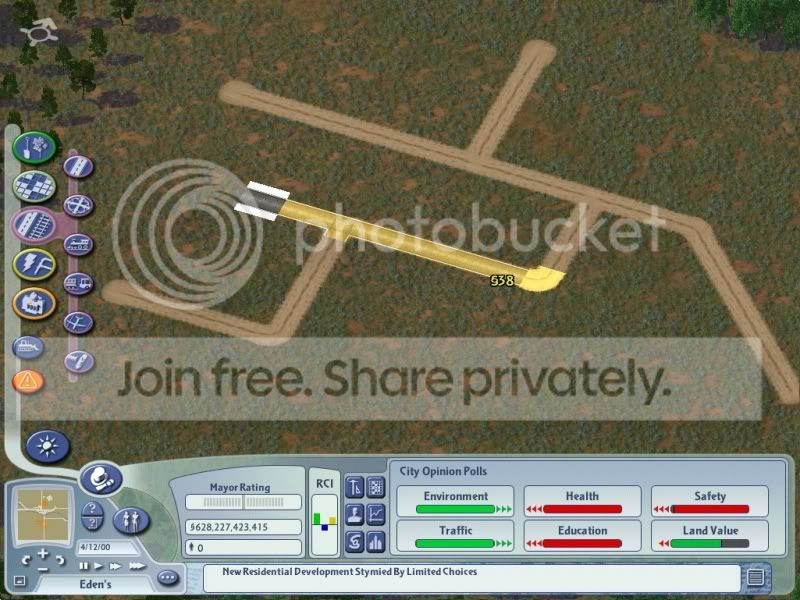
Watch it change
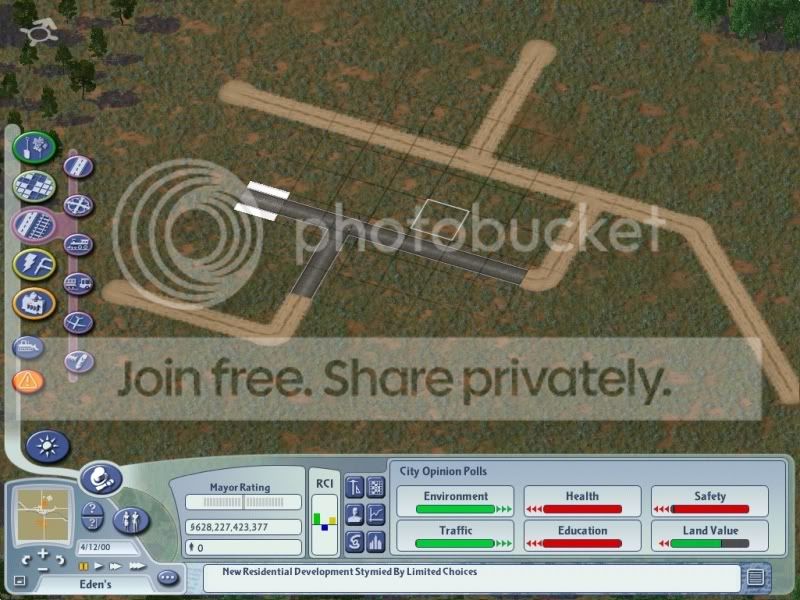
Then plop single street pieces in the unconverted areas to complete the look.
The last thing is to show you the eight different types of streets. From right to left: Parking Lot Textures, Herringbone Brick Streets, PEG Dirt Roads, PEG Gravel Roads, Trocla's Dirt Streets, Haleburg's Asphalt Streets, Cobblestone Streets, Brisk Brick Roads.
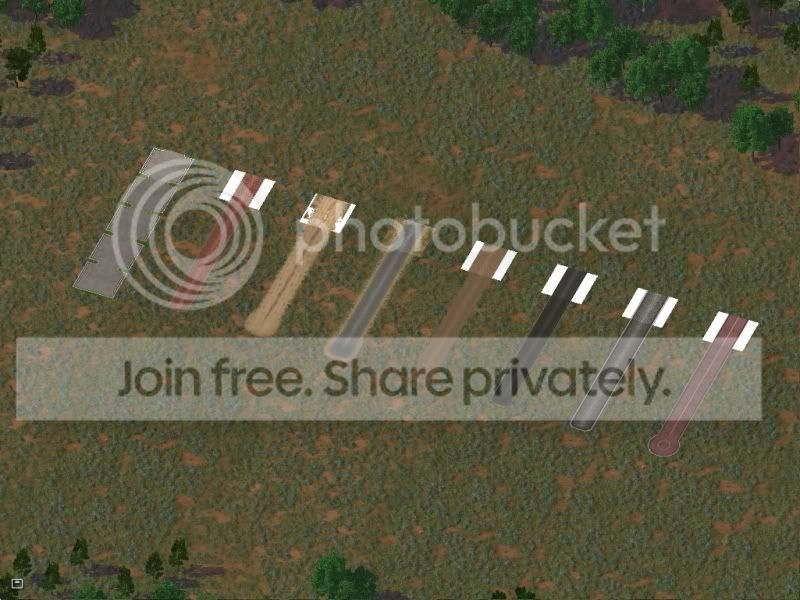
Er...finally, here's what they look like with a single curve...just for variety.
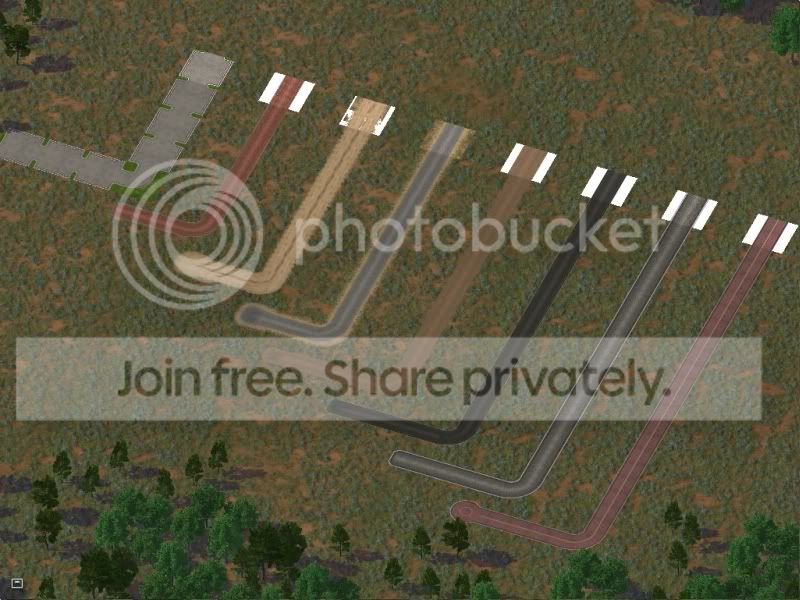
And that's it! I hope you learned something, and I hope to see some SAM use in some CJs! If anyone has any more SAM questions, PM me and I'll try to answer it, or else jplumbley, the creator (or at least the STEX uploader) would most likely be able to answer any question you have.
-
 1
1


0 Comments
Recommended Comments
There are no comments to display.
Sign In or register to comment...
To comment in reply, you must be a community member
Sign In
Already have an account? Sign in here.
Sign In NowCreate an Account
Sign up to join our friendly community. It's easy!
Register a New Account