
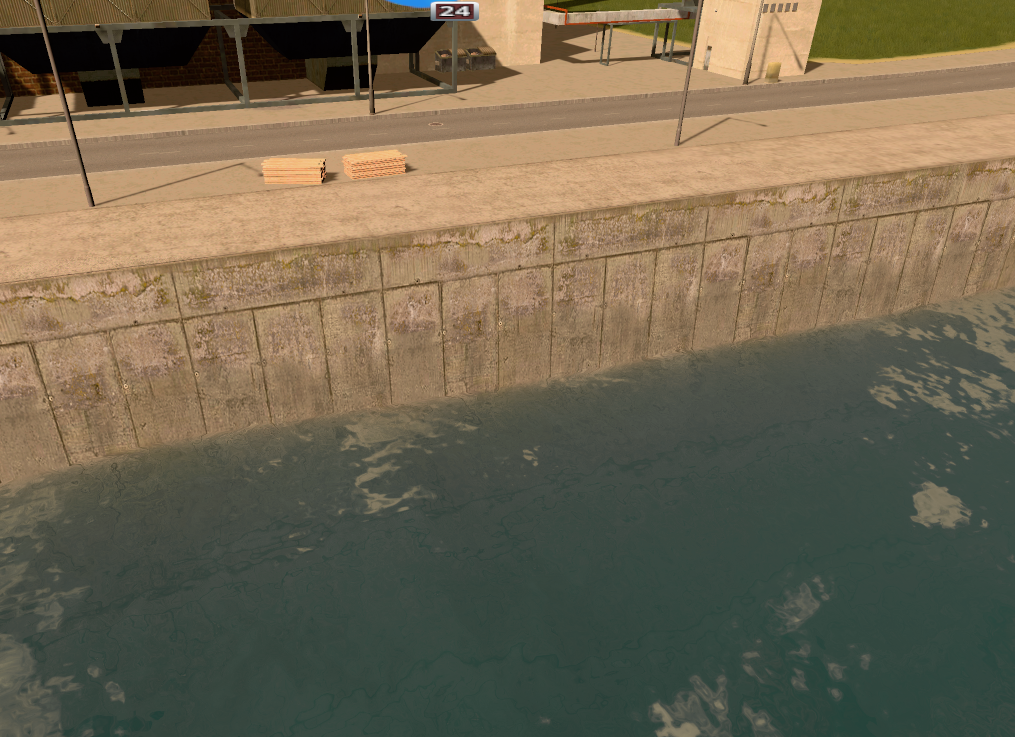
Make your own network textures (Mod Tools Script)
Instructions:
Subscribe to Mod Tools
Open the game and make sure that Mod Tools is enabled
Load a city
Open the Mod Tools console with F7
Paste the contents of this script in the command line and press Run (change "Basic Road" in the first line to anything you want)
The script will replace the textures of the network you specified in the script:
Diffuse: Program Files (x86)\Steam\SteamApps\common\Cities_Skylines\tt\Basic Road_D.png
Normal/Specular Map: Program Files (x86)\Steam\SteamApps\common\Cities_Skylines\tt\Basic Road_XYS.png
Grass/Alpha/Concrete Map: Program Files (x86)\Steam\SteamApps\common\Cities_Skylines\tt\Basic Road_APR.png
The textures must be .png files and named after the scheme above ([Network Name]_[TYPE].png). Place them in a "tt" directory in the game's installation directory.
Replacement lasts until you return to the main menu.
A few network names:
Basic Road
Highway
Highway Bridge
Medium Road
Medium Road Bridge
Train Track
Train Track Elevated
Train Track Bridge
Quay
Flood Wall
Canal
Canal2
Canal3
You can easily find the prefab textures by selecting the network in the menu. Then in the Mod Tools scene explorer (CTRL + E), find Tool Controller > NetTool on the left and expand m_prefab > m_segments > m_segment[0] > m_segmentTexture on the right. The network must be selected while you do that.
Here are a few example textures:
Quay_D.png
Quay_XYS.png
Basic Road_D.png
Basic Road_APR.png
-
-
- 15 Replies
